
App update: drafts, a new text menu, outlines and more
Edits are saved as drafts, text has a new compact menu with ready styles, BG Change can add an outline, and brushes draw shapes.
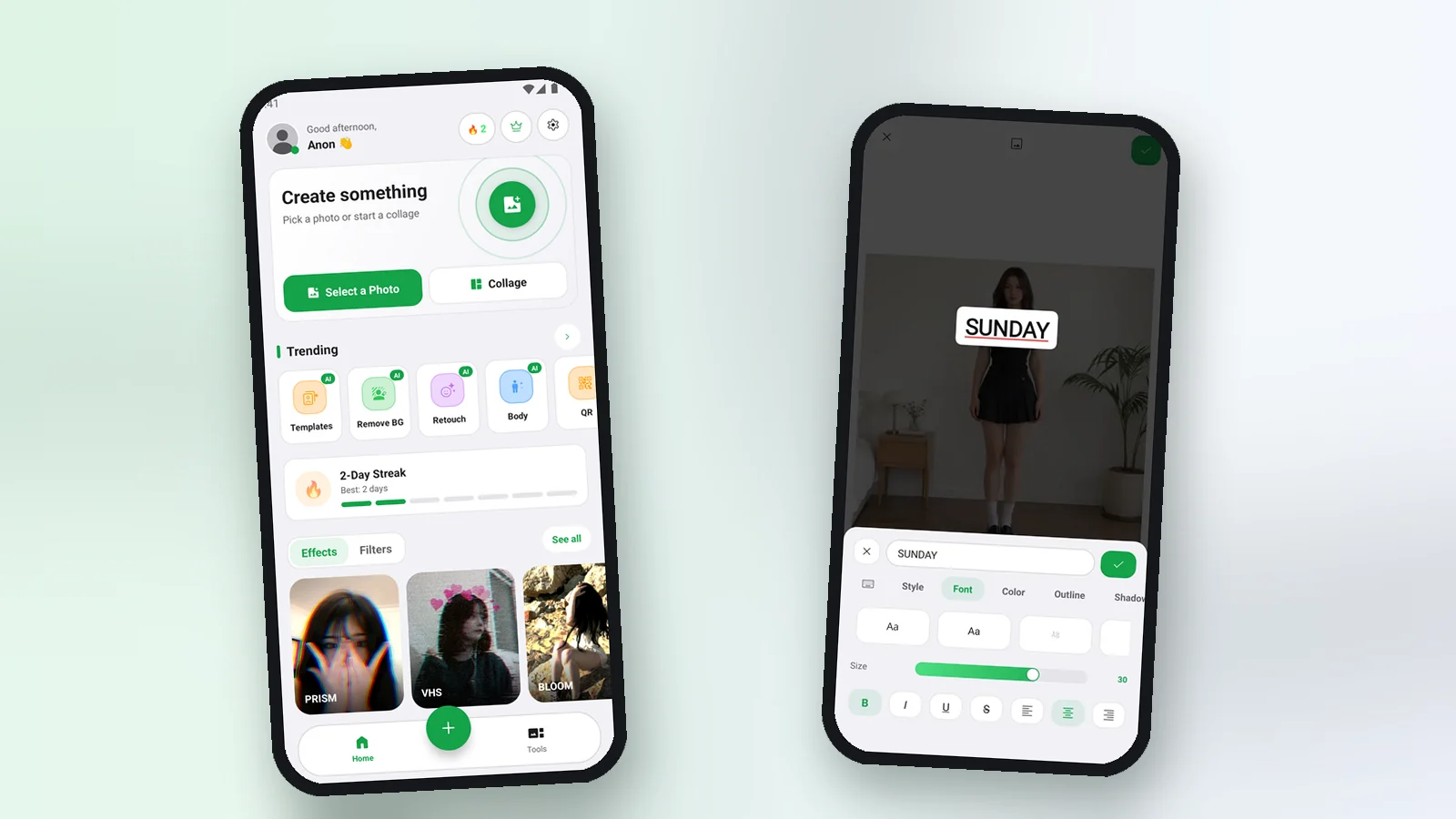
This update is about the everyday feel of the editor: you do not lose an edit, text is faster to style, and a few tools got features you asked for.
Drafts
Every edit is now a project. When you leave the editor, Pichype asks if you want to save a draft, and you can come back to it later with the full undo history. If the app was closed unexpectedly, it offers to continue where you stopped.
A new text menu
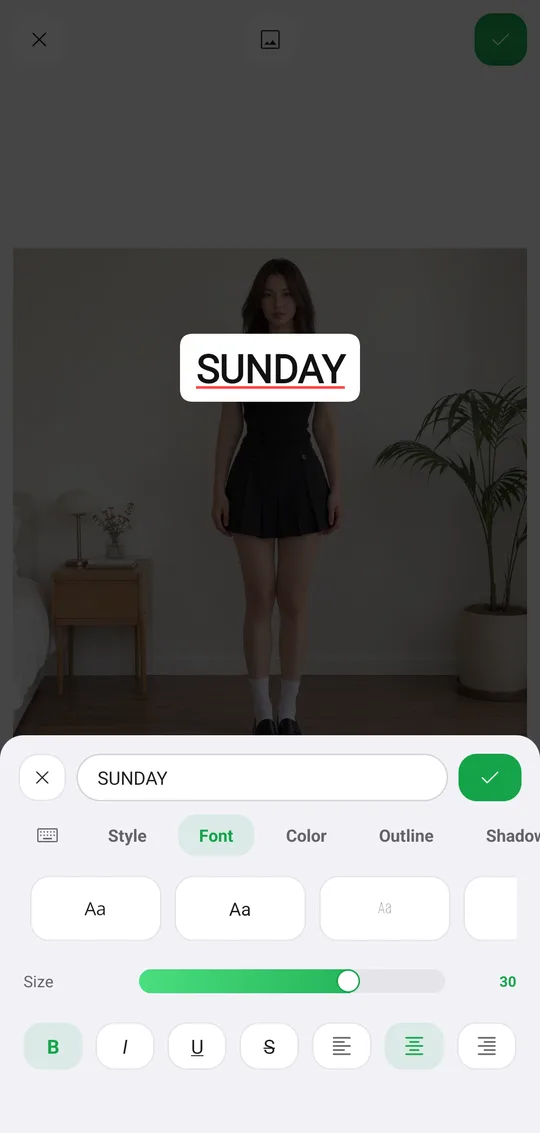
- One compact sheet with tabs: Style, Font, Color, Outline, Shadow, BG and Spacing.
- Ready styles in one tap, including gold, chrome, holo and glitter textures.
- Save your own styles with the plus tile and use them again.
- An eyedropper to pick any color from your photo.
Outline in BG Change
BG Change now has Fill, Outline, Blur and Ratio tabs. Outline draws a colored line around the cutout with its own width slider, the popular sticker look for posts.
And more
- Paint and Line brushes draw straight lines, arrows, rectangles and ovals.
- With a stylus, the line follows pressure and tilt, and your palm does not break the stroke.
- Save options can keep the photo info: date, camera and location.
- On Android, share a photo to Pichype from any app to open it in the editor.
Platform differences
- Android
- Available now
- iPhone & iPad
- Coming soon
More news
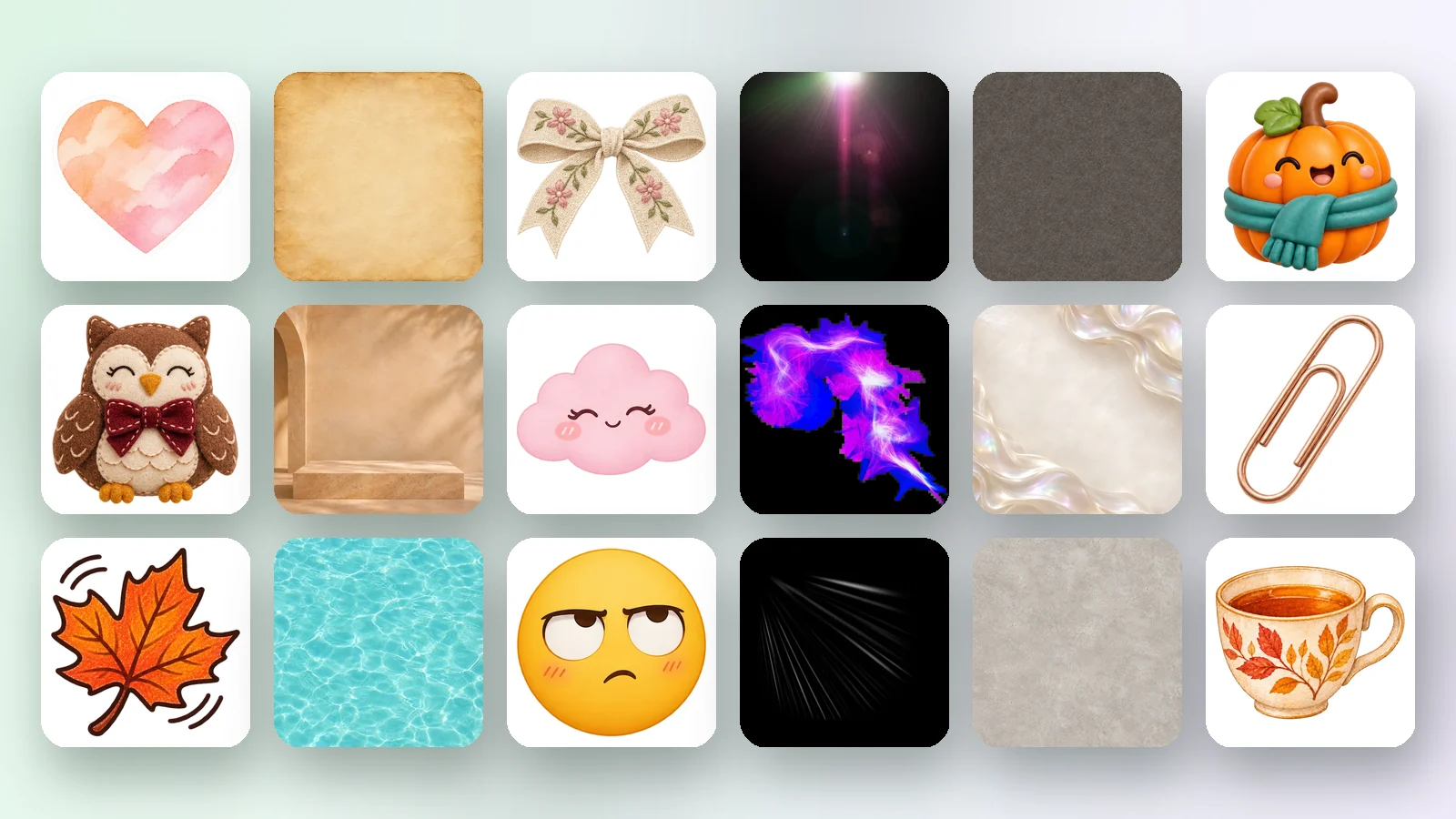
Pichype accounts, a free Library and a new website
Sign in with Google, pick your nametag and download free stickers, overlays and backgrounds. Plus guides for every tool on the new pichype.com.
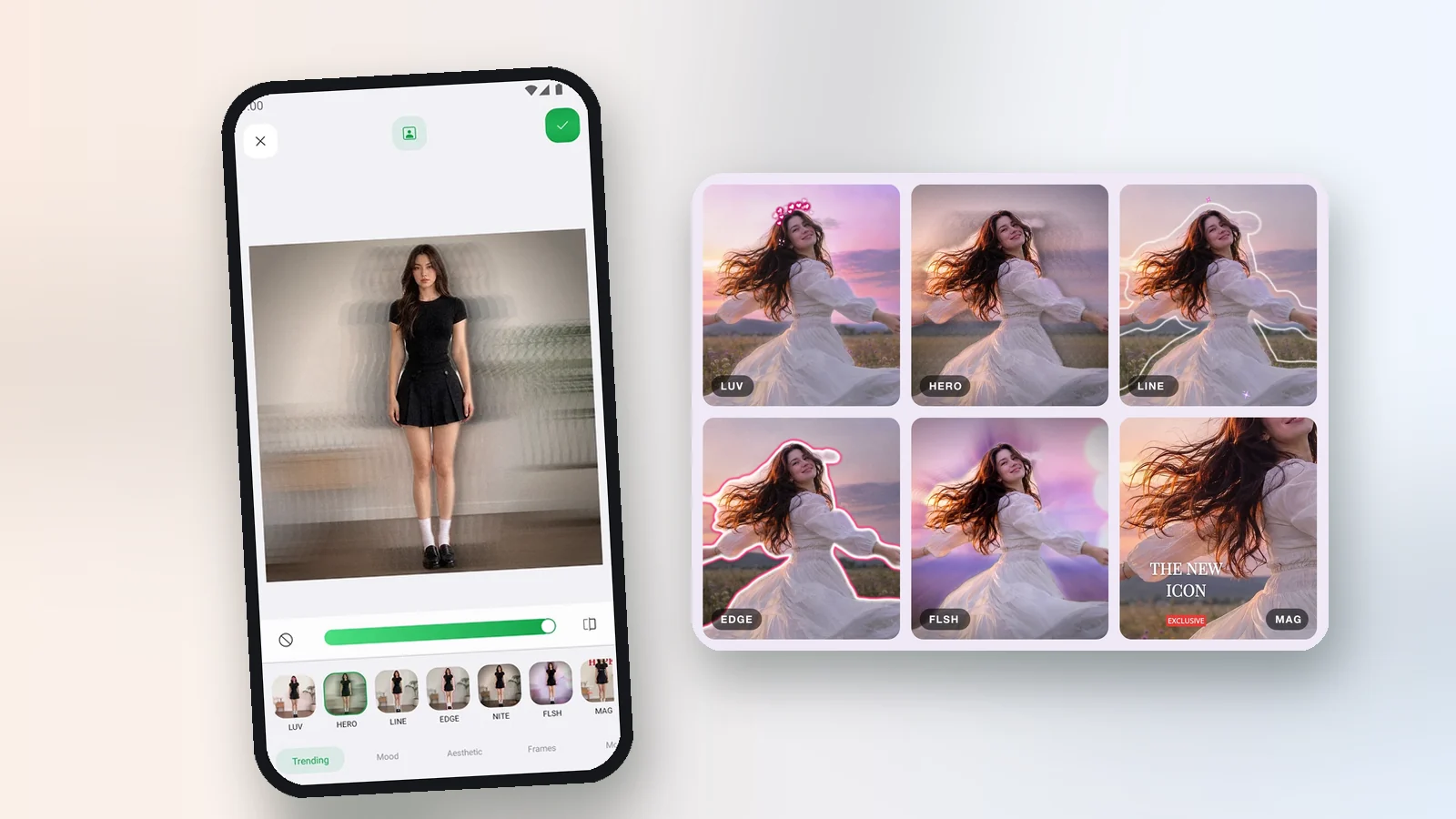
Templates: finished edits in one tap
Browse ready-made designs with previews and apply one to your photo in a tap. Text behind you, frames for several photos and more.
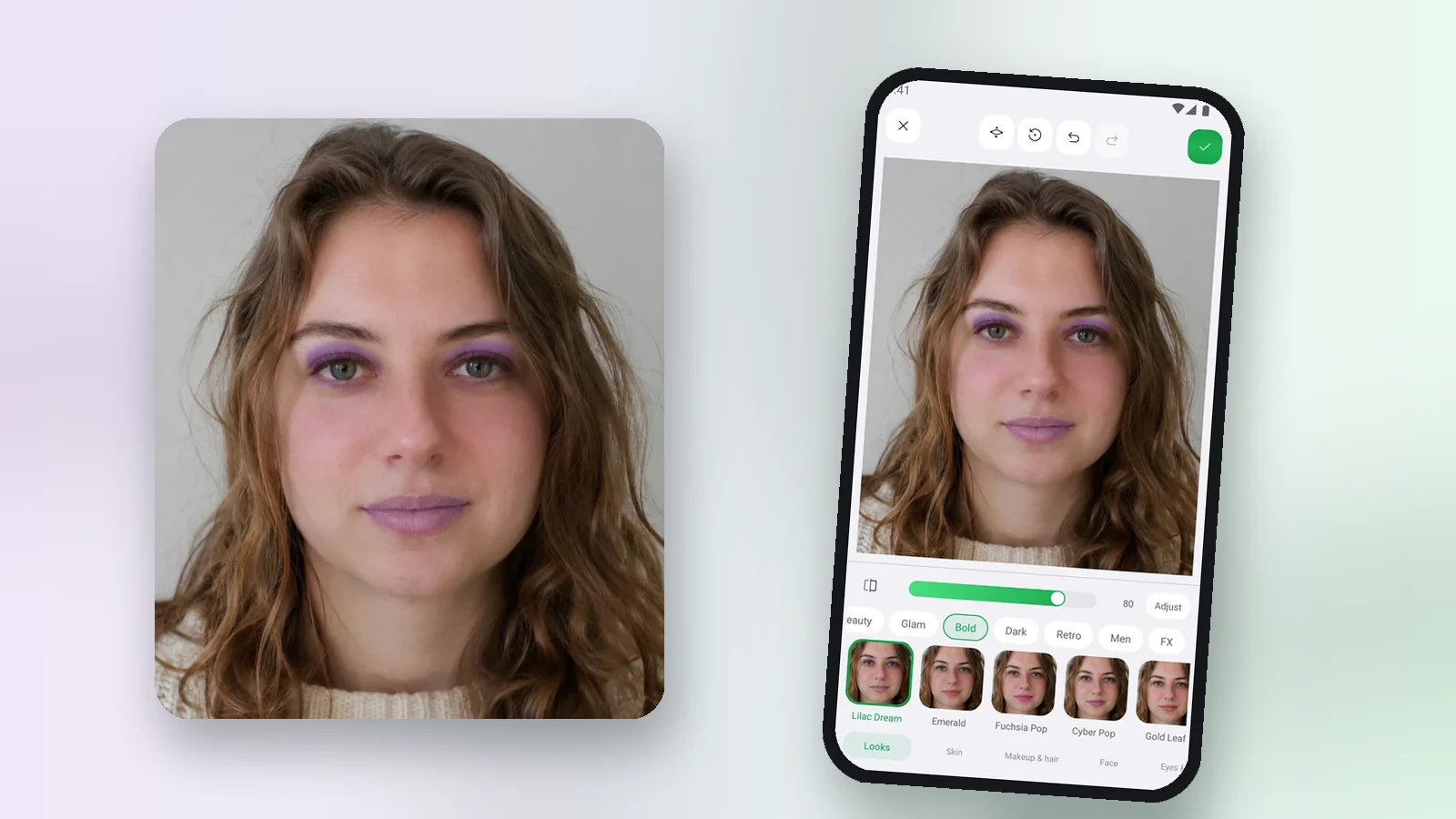
Retouch is here: ready makeup looks and 65 face controls
Natural face and skin retouch with one-tap makeup looks, plus 65 controls for skin, makeup, hair, face, eyes, nose and lips.