Sign inGet the app
Get the appFree on Google Play. iOS coming soon.
Free on Google Play · 5M+ downloads

Powerful editing.
Limitless creativity.

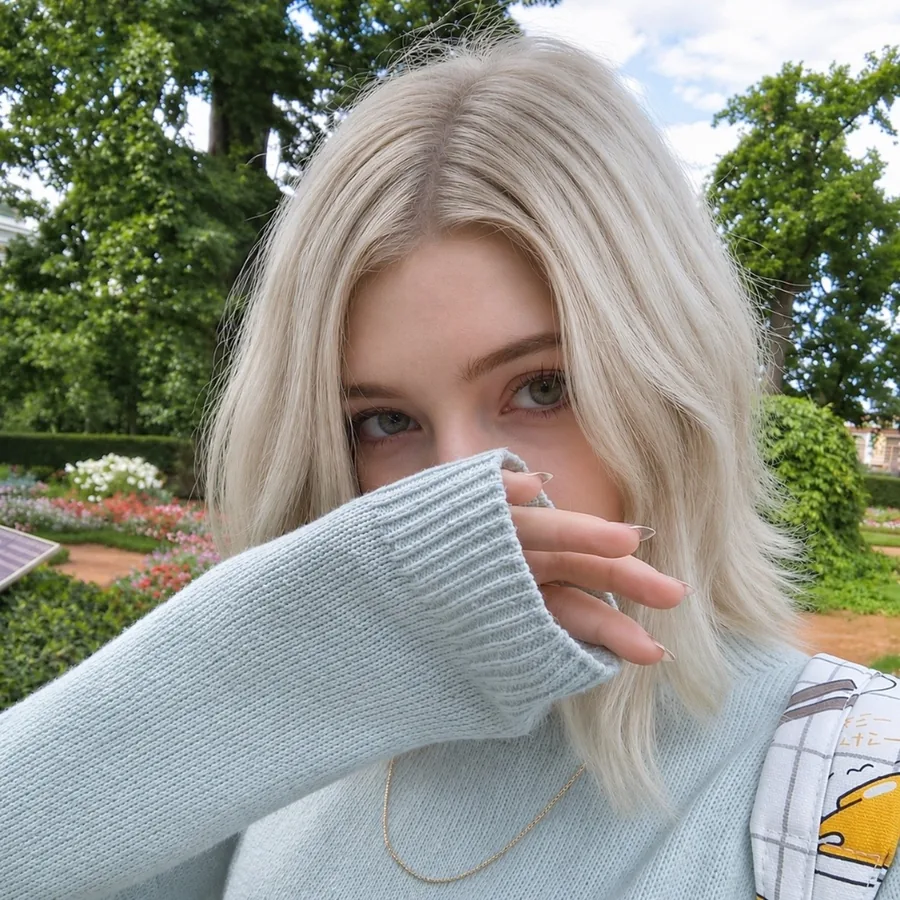
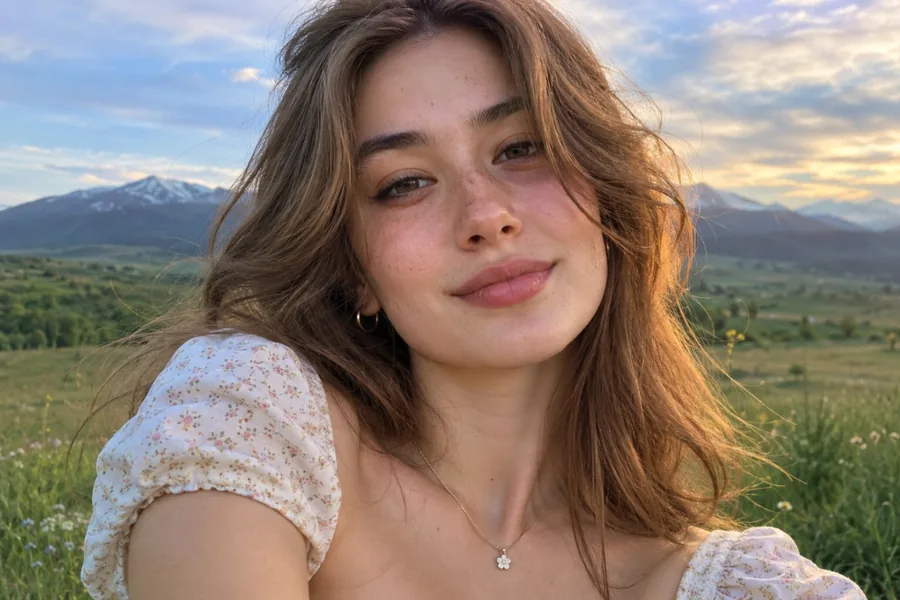
Pichype is a free photo editor with pro tools, natural retouch, collages and AI cutout. Edit the person and the background separately, then share in one tap.

Get it onGoogle PlayApp StoreComing soon Scan with
your phone
Downloads
5M+
Pro tools
30+
Retouch controls
65
01 · Photo editor

Pro photo editor, made simple

Fix light and color with 30+ tools. Crop for any platform, straighten the horizon and save your look as a style.
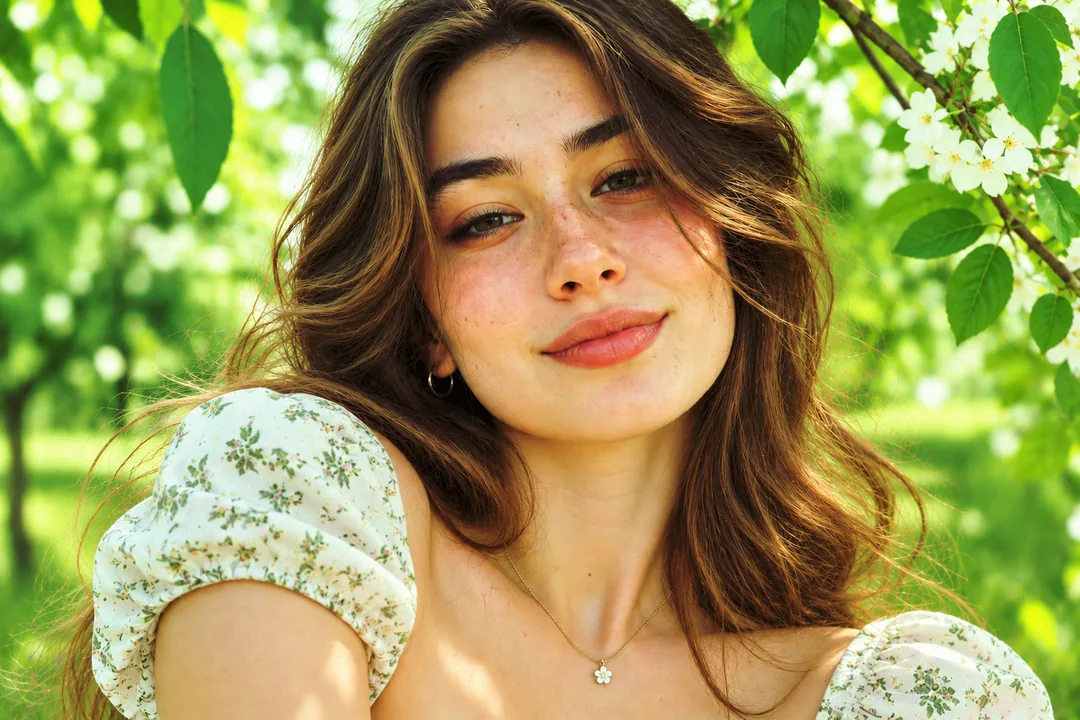

ExposureShadows & HighlightsLevelsHSLWhite balanceCurvesSelective colorCrop presetsPerspective
02 · Collage maker

Collages that tell a story

Pick a layout from a big library, set borders, spacing, corners and background, and edit every photo right inside the collage.
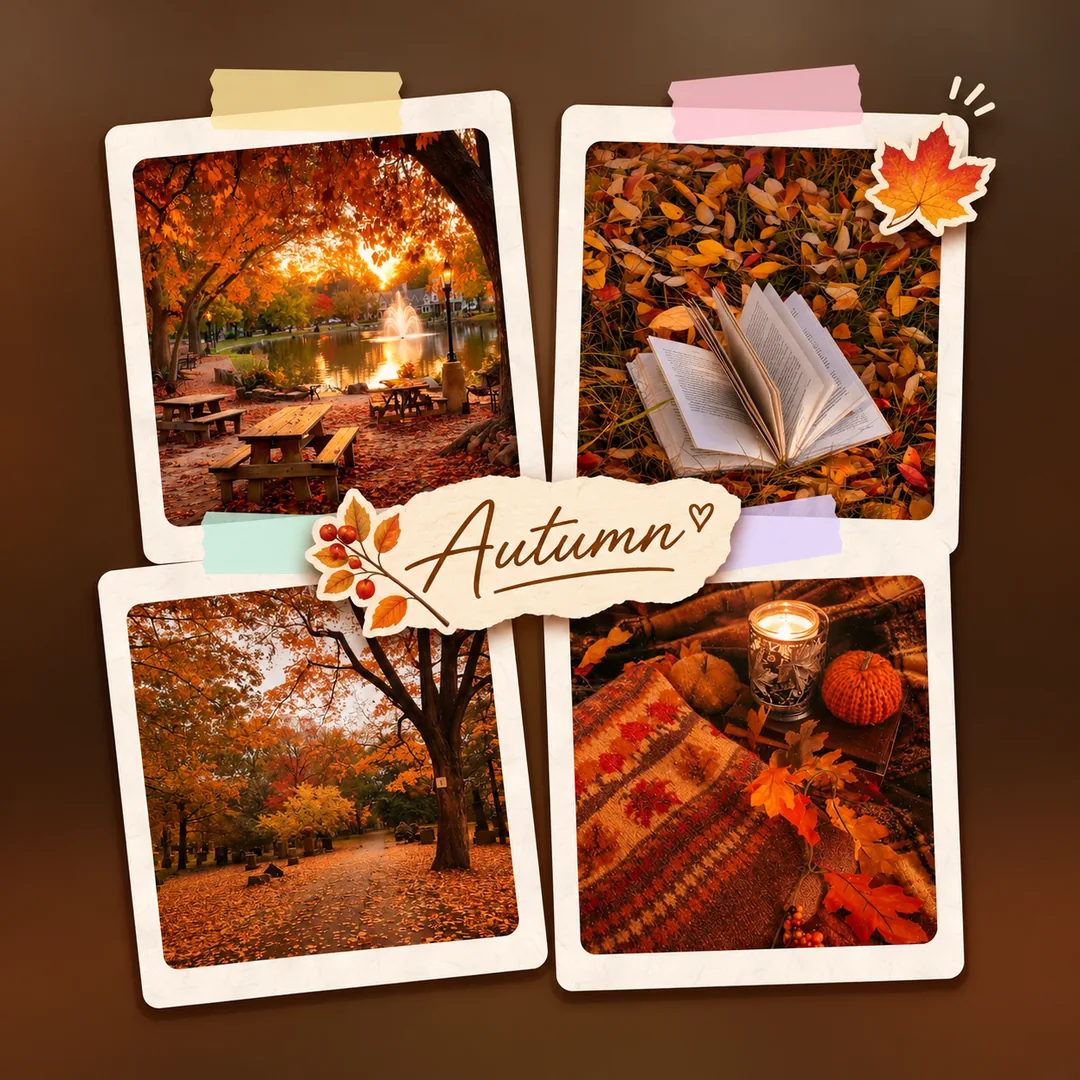

LayoutsBordersSpacingCornersBackgroundsEdit each photo
03 · Retouch

Retouch that still looks like you

Start from dozens of ready makeup looks or go manual with 65 controls for skin, makeup, hair, face shape, eyes, nose and lips.
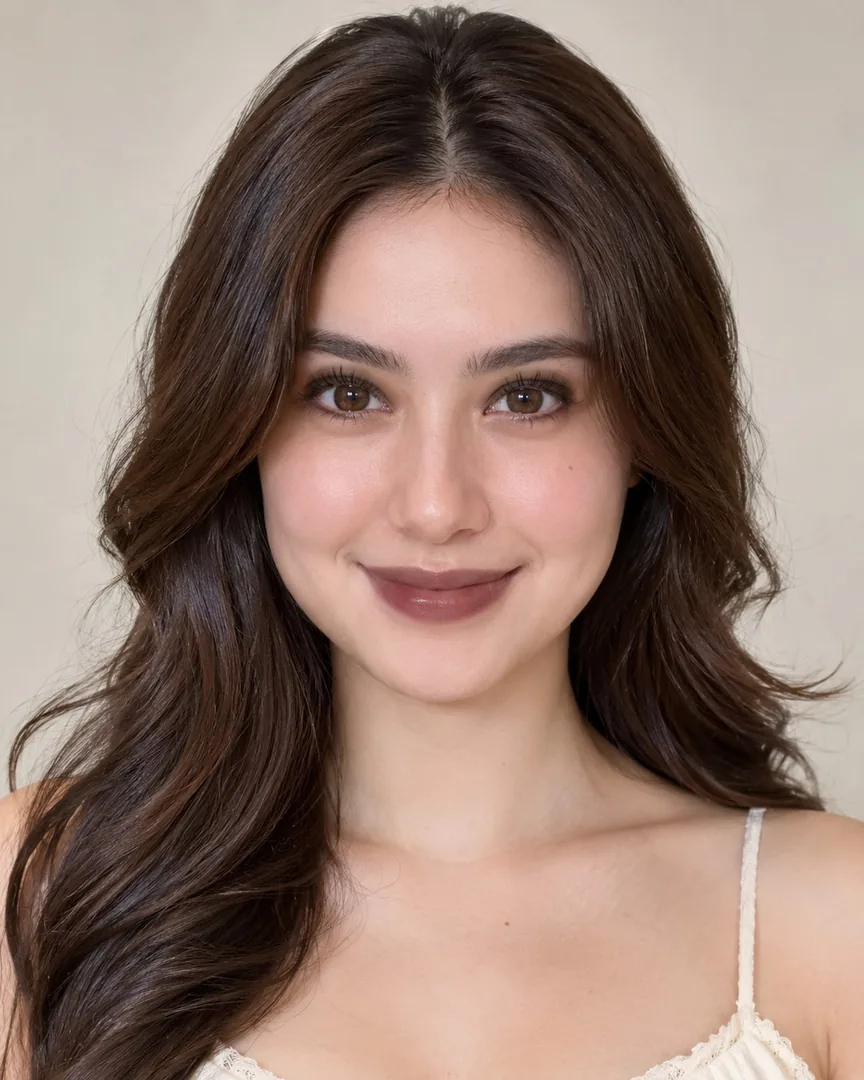

SmoothAcneDark circlesGlowLipstickHair colorV-shapeEye sizeSmile
04 · AI background

Remove or change the background

AI cuts out a person or object in one tap. Refine the edges by hand, then place it on a color, a blur or one of hundreds of backgrounds.
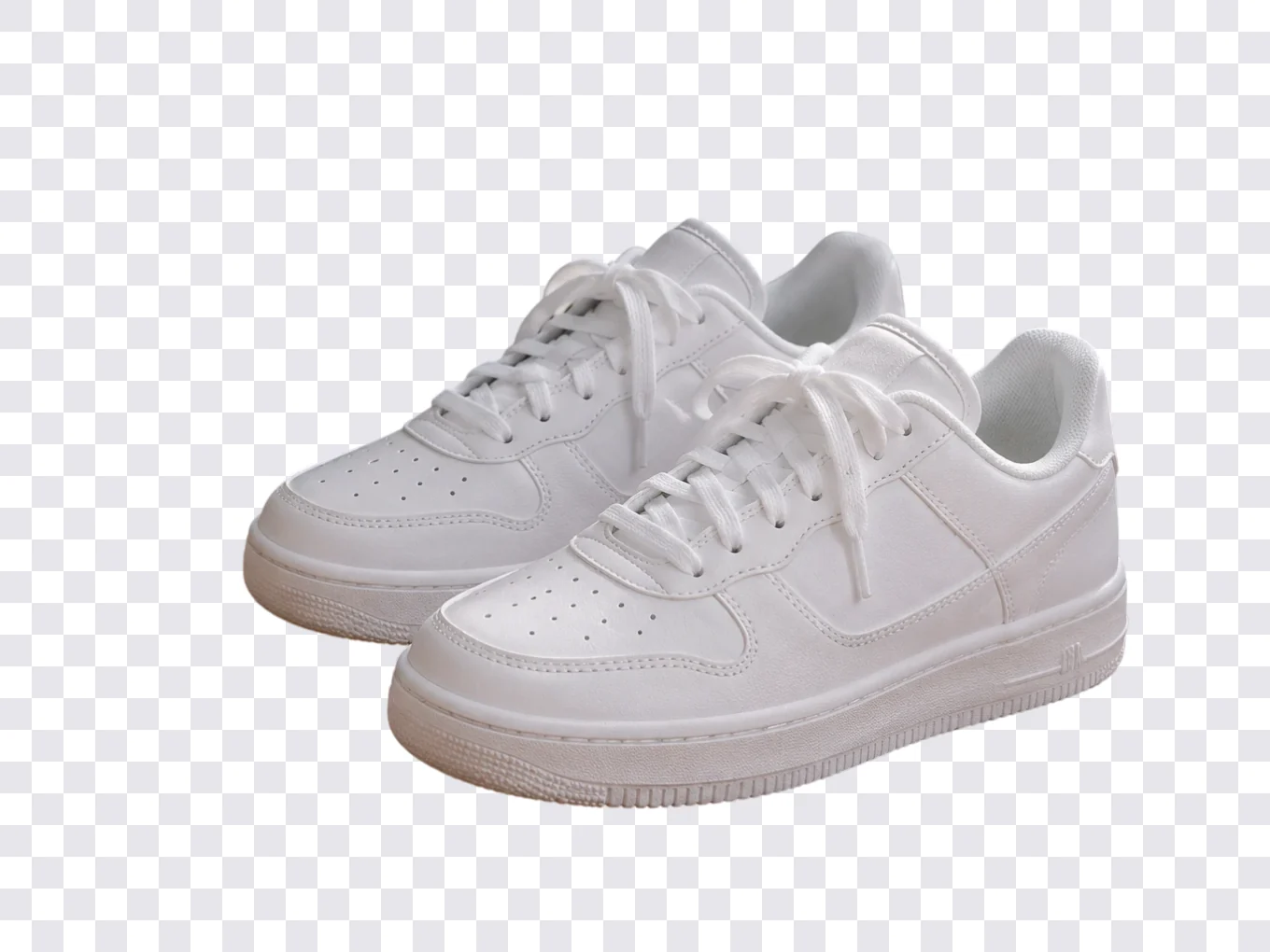
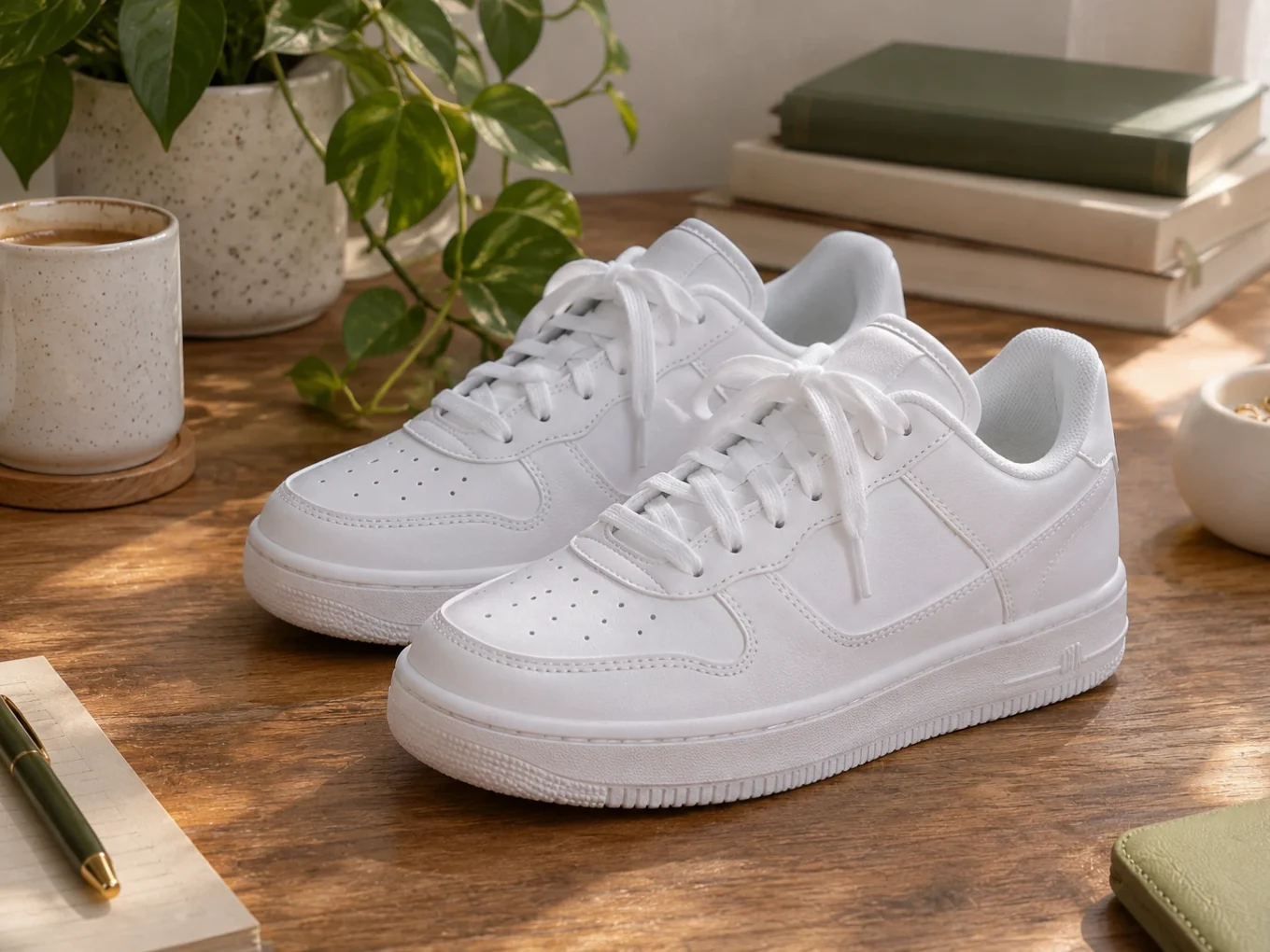
One-tap cutoutManual refineTransparent PNGLibrary backgrounds
05 · Filters

Filters for you, the background or both

A big filter library with adjustable strength. Put a filter only on the background and keep your skin natural, or add your own filters.
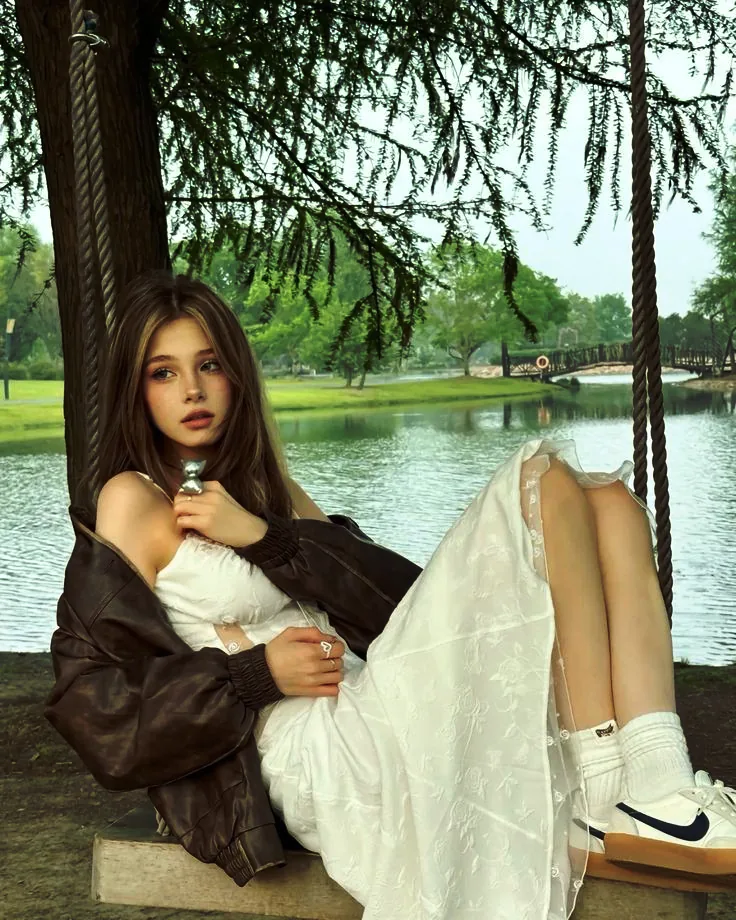

Filter libraryStrengthPerson onlyBackground onlyYour own filters
Only in Pichype

Edit you and the background separately

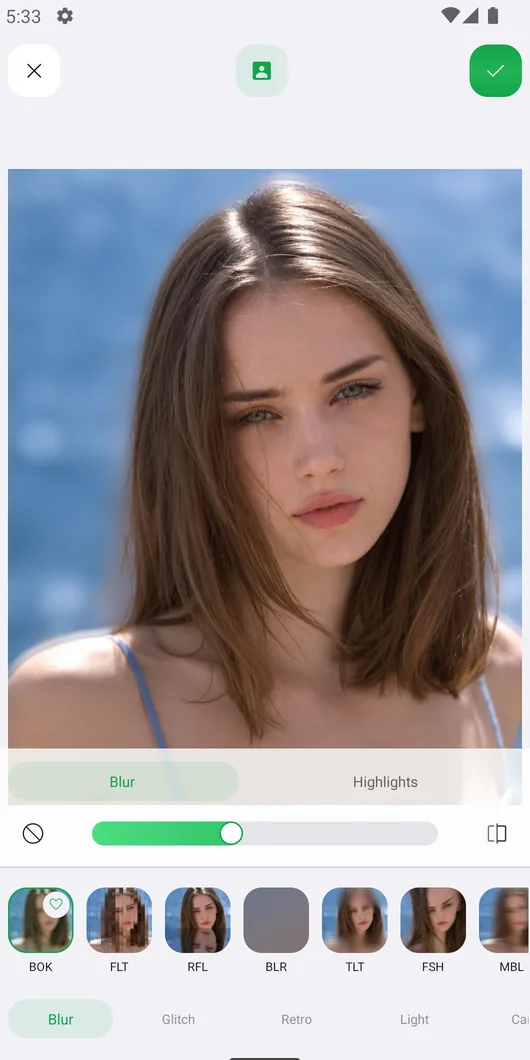
AI finds the person in your photo. Filters, Overlays, Effects, Tune, Curves, Hues, Balance, Selective and Tint can change only you, only the background, or both. Not perfect? Fix the mask by hand. Stickers and text can even go behind you.

Edit applies only to the person

Every tool in Pichype

Each tool has its own page with examples and a step-by-step tutorial.

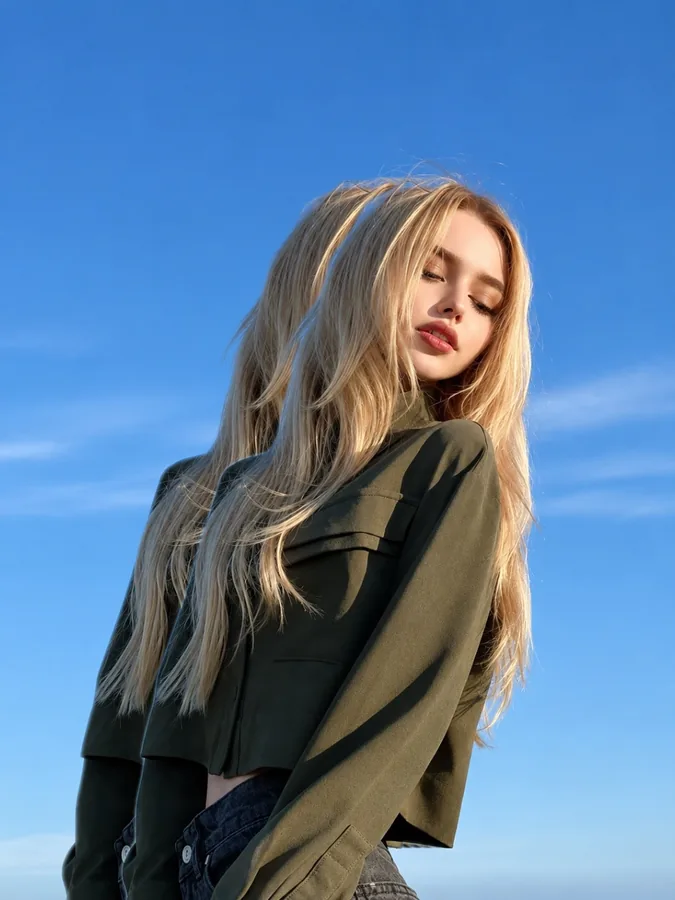
RetouchReady makeup looks and 65 controls for skin, makeup, hair, face, eyes, nose and lips.BodyRefine, breast, face, height, slim, waist and hips, only where you need it.AI Background RemoverCut out a person or object in one tap and refine the edges by hand.Background ChangerSwap the background for a gradient, blur, your own photo or one from the Library.Crop16 size presets, rotate, flip, straighten and fix perspective.TuneAuto, exposure, Levels, HSL, white balance, sharpen, vignette and more.CurvesReady presets and RGB curves for precise tone and color.ColorHues, Balance, Selective and Tint for each color in your photo.FiltersCategories of quality filters, your own filters, on you or the background.Effects72 effects in five groups: Blur, Glitch, Retro, Light and Canvas.Blend & OverlaysA powerful blend editor, presets in categories and your own overlays.StickersHundreds of Library stickers, smart stickers, and stickers behind you.TextFonts, outline, shadow, texture, your own font, and text behind you.FramesLots of frames, the Library, and your own frames.PixMinimal frames in any color, and your own frames.WrapStickers that wrap around you, half in front and half behind.Drawing BrushesSplash, blur, mosaic, paint and neon, lines, sticker and text brushes.LiquifyWarp, twirl, shrink and swell any part of the photo.MotionCopies of you trailing behind for a sense of movement.Collage Maker2 to 8 photos, a huge layout library, backgrounds, filters, stickers and text.My StylesSave your edits as a style and share it with a QR code.QR EditorQR codes for links, text, Wi-Fi, events and places, with your logo and colors.Custom WidgetsSeven home-screen widgets: photo, note, streak, profile, challenge and quick tools.TemplatesNewReady-made edits with previews. Apply one in a tap and fine-tune it.

Made with Pichype

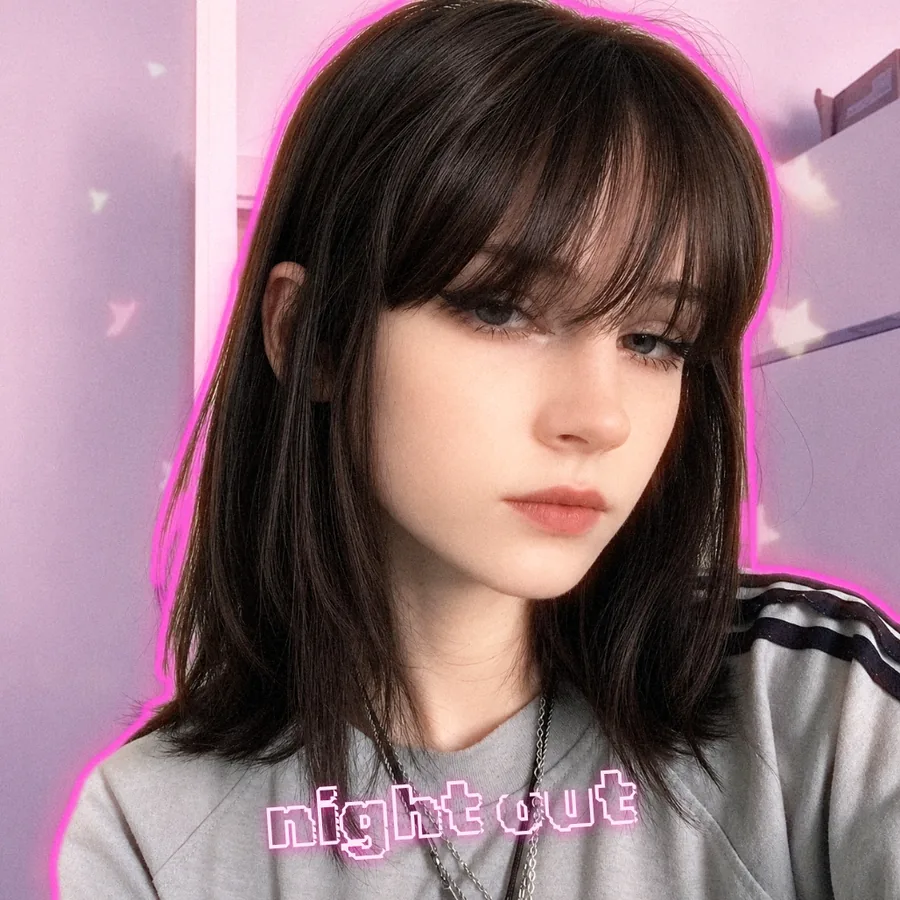
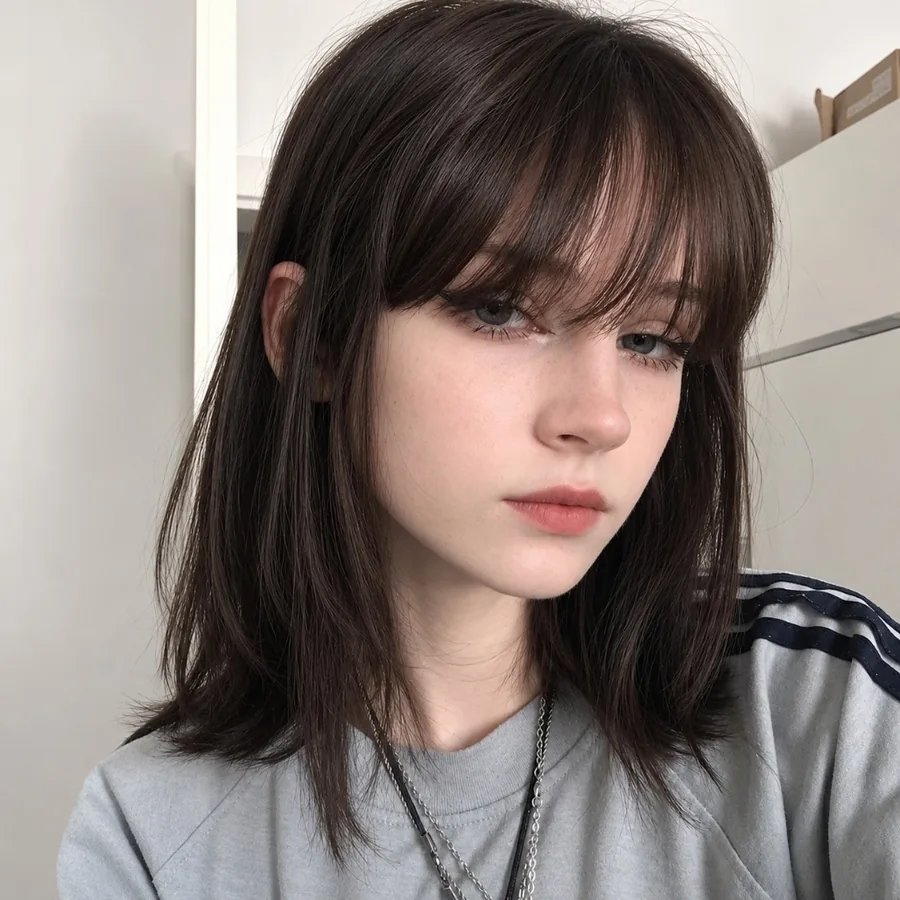
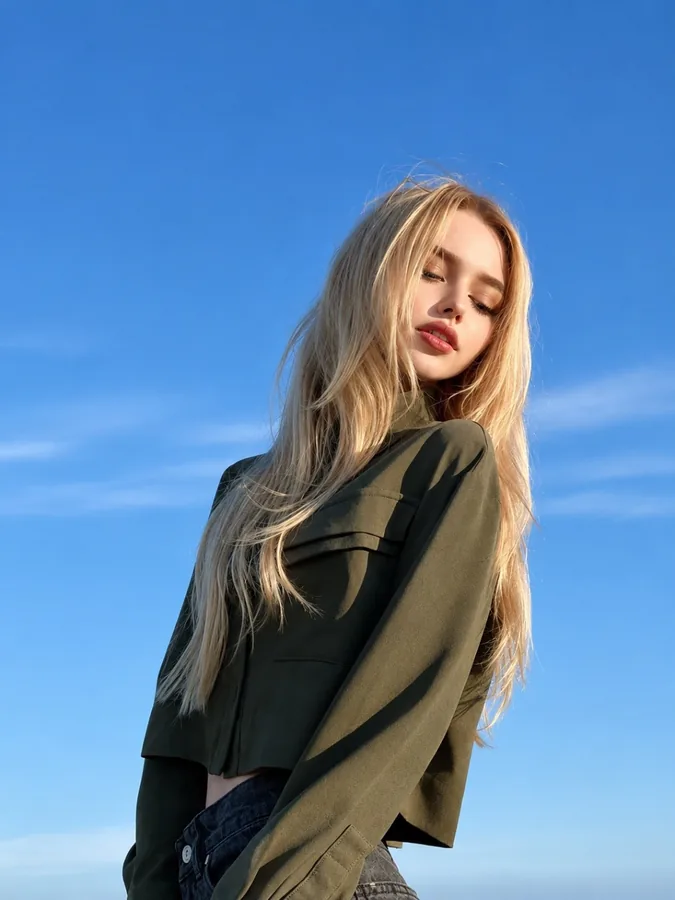
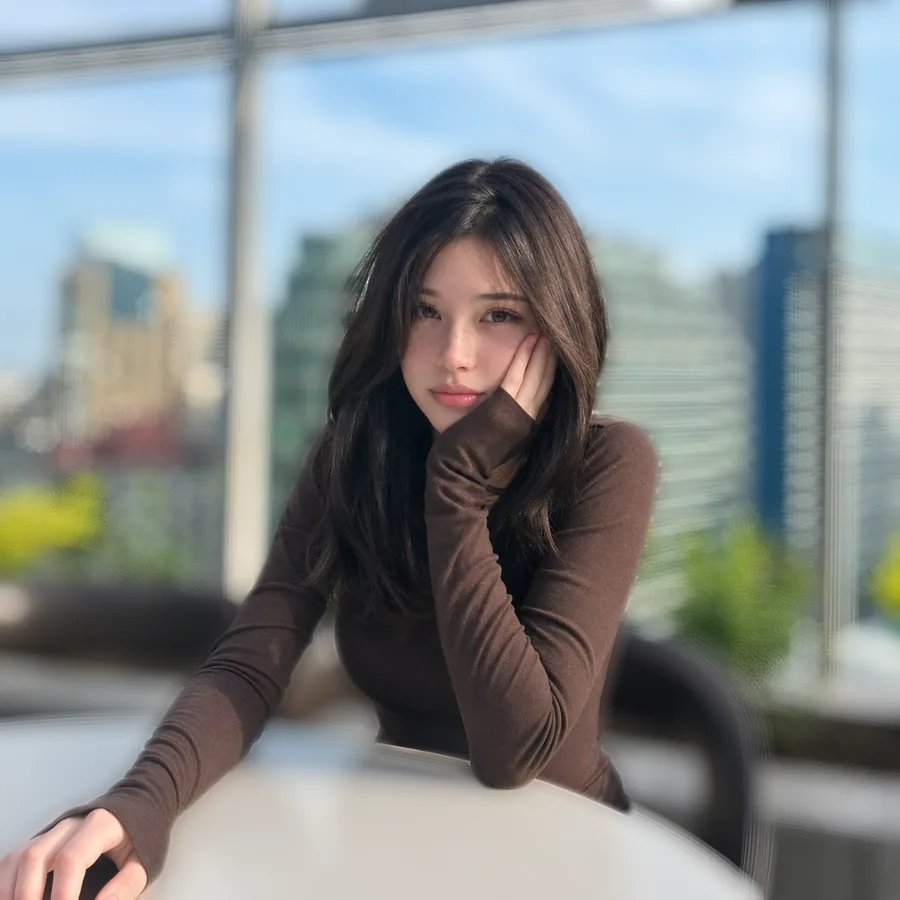
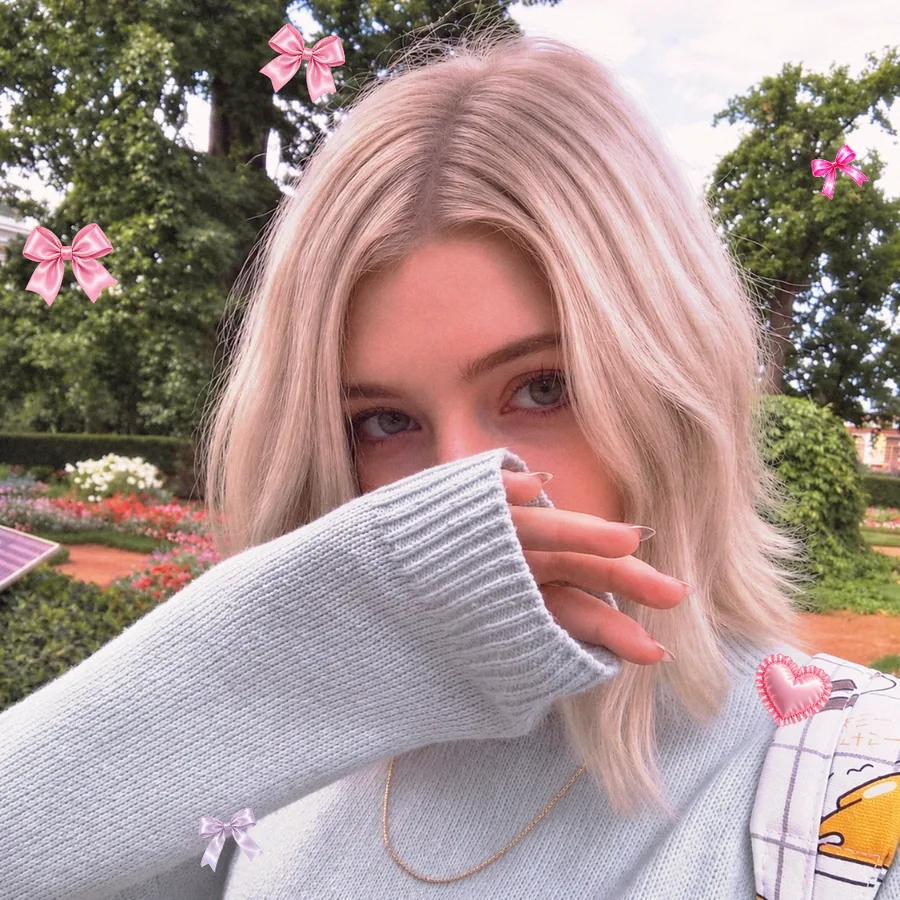
Real edits made in the app. Drag the slider to compare.

Pichype LibraryHundreds of stickers, frames, overlays and backgroundsDownload on the website or in the app with one free account. New drops every week.My StylesShare your look with a QR codeSave your exact settings as a style. Friends scan the QR and get the same look on their photos.

Questions

Is Pichype free?

Yes. You can download Pichype for free and most tools are free to use. Premium adds extra content.

Is Pichype on iPhone?

Pichype is on Android now. The iOS version is coming soon.

Do I need an account?

No account is needed to edit photos. A free account unlocks the Library on the website and in the app.

Can I edit only the background?

Yes. AI finds the person, and Filters, Effects, Overlays, Tune, Curves and color tools can change only you, only the background, or both.

How do I use a style from a QR code?

Open My Styles in Pichype, scan the QR code and the exact settings are applied to your photo.

Make every photo yours

Free on Google Play. iOS coming soon.