Templates: finished edits in one tap
Browse ready-made designs with previews and apply one to your photo in a tap. Text behind you, frames for several photos and more.
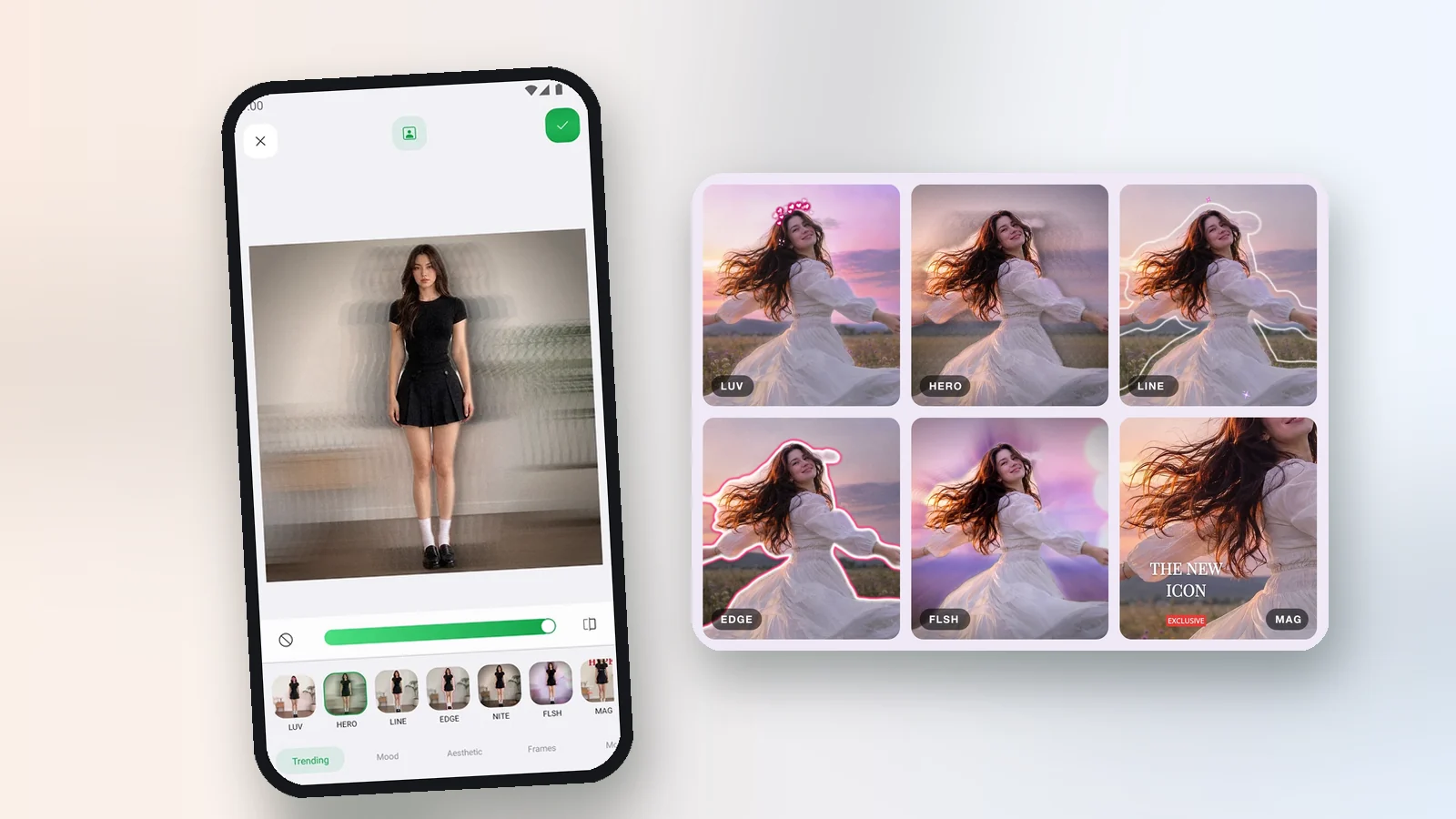
Templates are finished designs made for you: color, text, shapes and effects in one set. Open Templates, look through the previews made from your own photo, and tap the one you like.
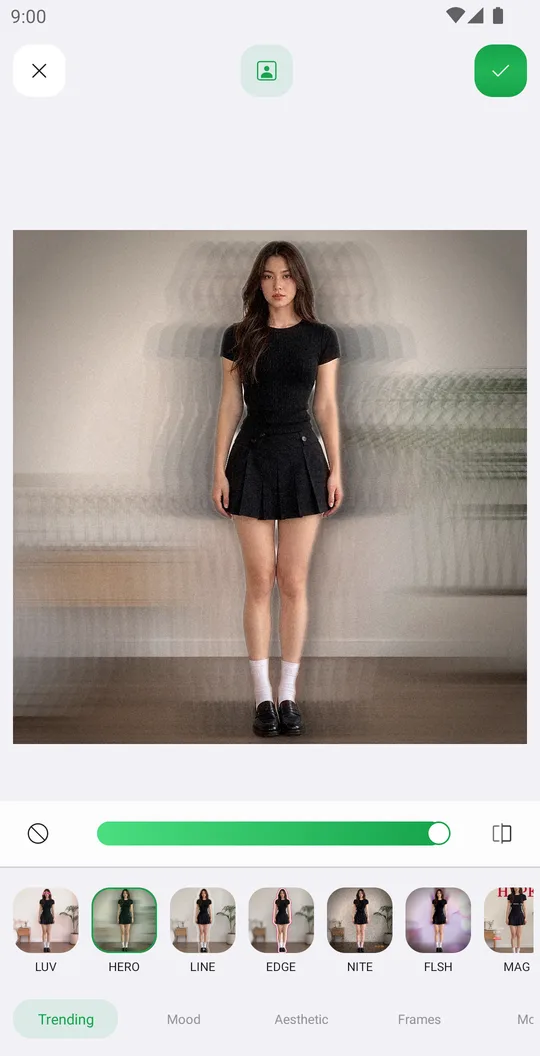
What is inside
- Categories like Trending, Mood, Aesthetic and Frames.
- Templates that use the person, for example text behind you.
- Frame templates with several windows for more than one photo.
- One-tap apply, then keep editing with any other tool.
Fix the mask or add photos
Some templates place text or shapes behind the person. If the mask is not right, tap the button at the top and correct it. Frame templates with several windows show an icon at the top where you add your photos.
Platform differences
- Android
- Available now
- iPhone & iPad
- Coming soon
More news
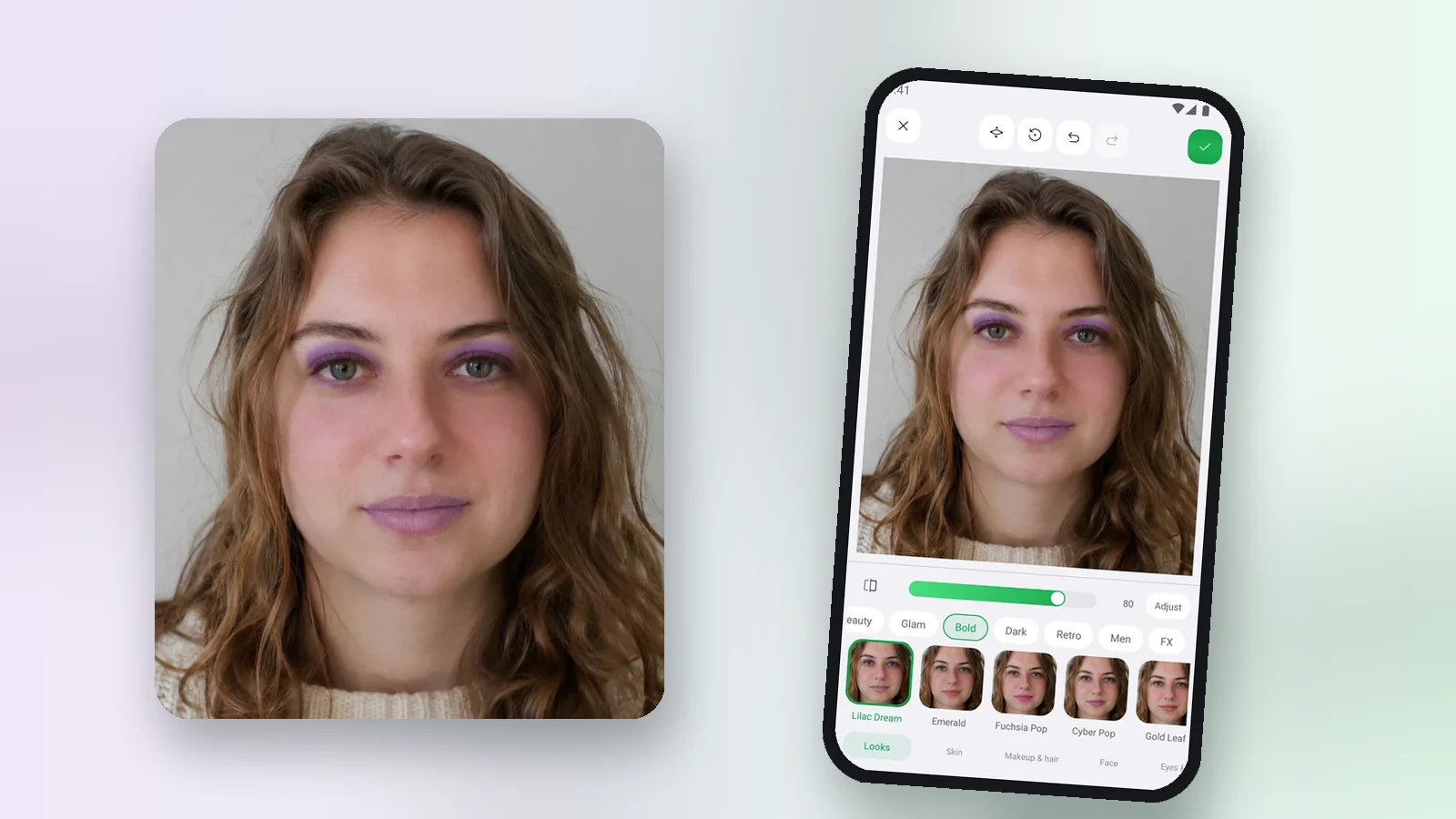
Retouch is here: ready makeup looks and 65 face controls
Natural face and skin retouch with one-tap makeup looks, plus 65 controls for skin, makeup, hair, face, eyes, nose and lips.
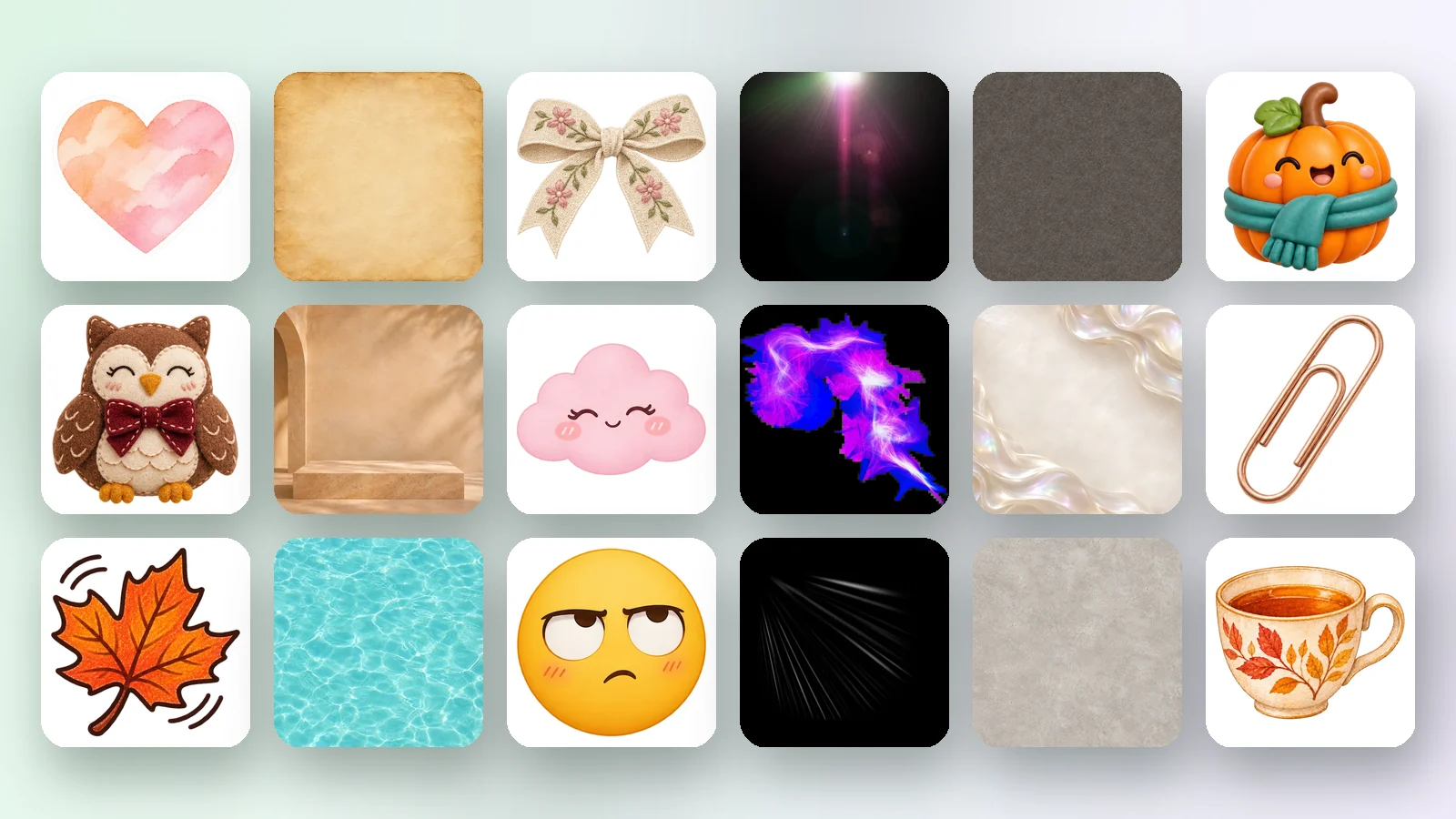
Pichype accounts, a free Library and a new website
Sign in with Google, pick your nametag and download free stickers, overlays and backgrounds. Plus guides for every tool on the new pichype.com.
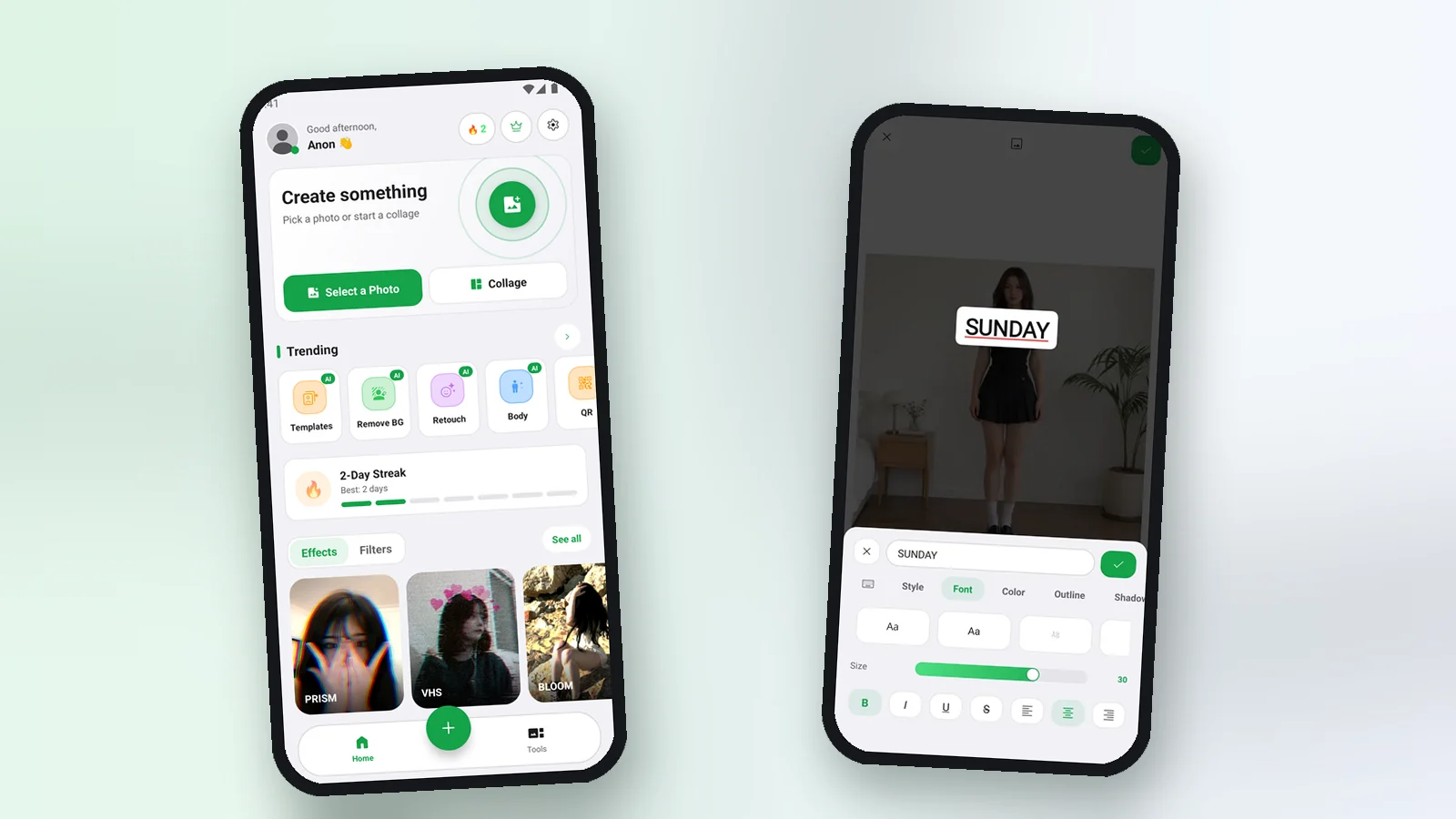
App update: drafts, a new text menu, outlines and more
Edits are saved as drafts, text has a new compact menu with ready styles, BG Change can add an outline, and brushes draw shapes.