
Body
Careful body reshaping with full control over strength. Change only the area you need and keep the background straight.
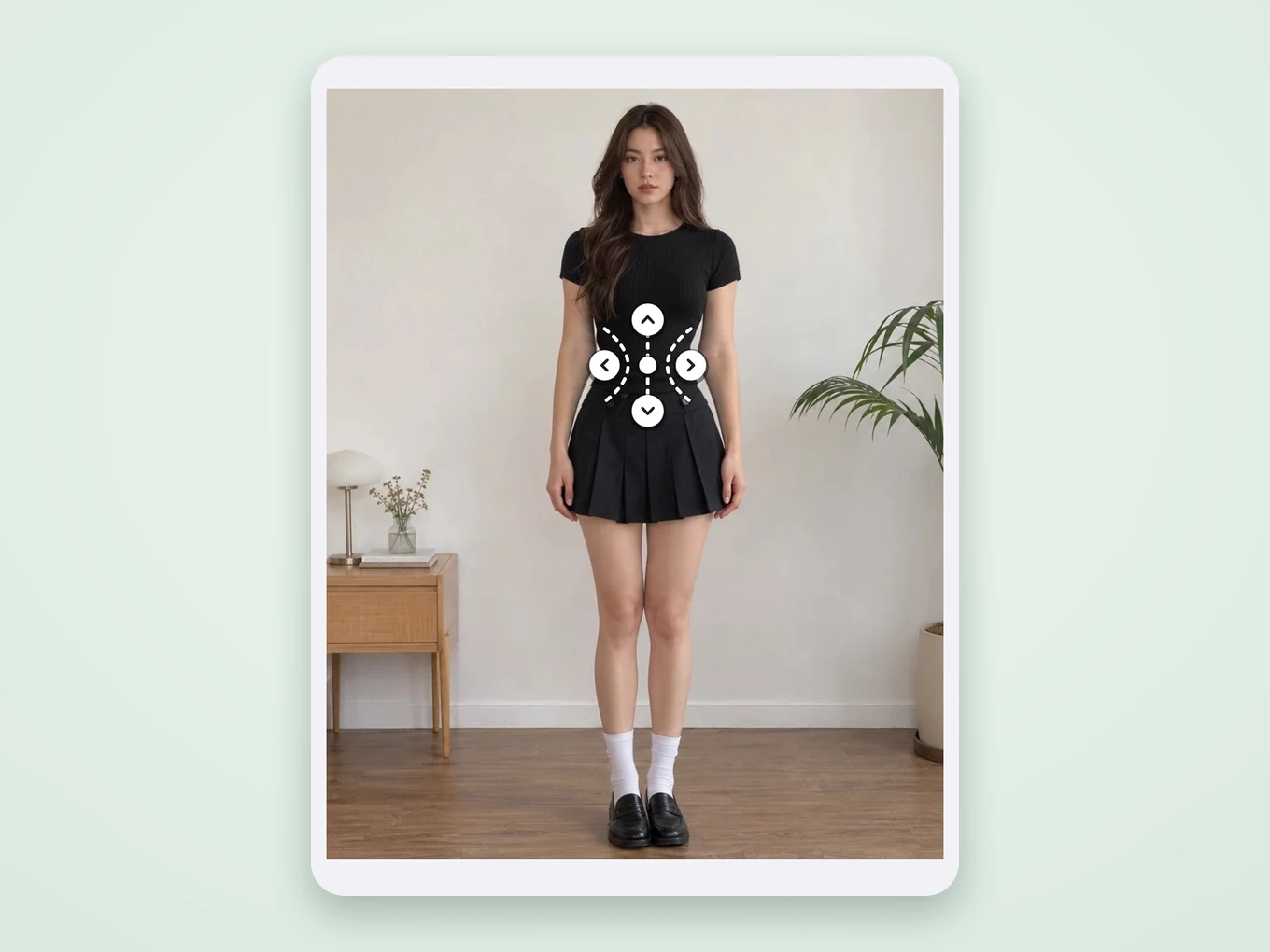
What is Body?
Body finds the person and places its guides on the right spots by itself: circles on the chest and face, lines for height and slim, shapes for the waist and hips. You only move the guide if you want a different area and set the strength.
Every tool has a Restore brush, so if a straight wall or door frame bent a little, you paint it back to the original. Undo and Redo keep every step.
Everything in Body
Tools
Each tool has its own guide on the photo and a strength slider.
- Refine
- Breast
- Face
- Height
- Slim
- Waist
- Hips
- Liquify
- Refine
- A push brush: drag over any outline to shape it by hand. The size slider sets how wide it works.
- Breast
- Two circles sit on the chest. Move or resize them, then make the area bigger or smaller.
- Face
- A circle around the face for a slimmer or fuller look.
- Height
- Two lines mark the part to stretch, usually the legs. Everything between them gets longer.
- Slim
- Lines along the body make it slimmer or wider in the marked zone.
- Waist
- A waist shape pulls it in or out.
- Hips
- A hips shape makes them wider or narrower.
- Liquify
- Free warping with Warp, Twirl, Shrink and Swell.
While you edit
Help to keep the result clean.
- Strength
- Brush size
- Restore
- Undo
- Redo
- Compare
- Restore
- Paint back the original where the change went too far, for example on the background.
- Compare
- Hold to see the photo before your edit.
How to use Body in Pichype
- 1Open Body
Pick a photo and open Body. The person is found automatically.
- 2Choose a tool
Tap Waist, Slim, Height or any other tool. Its guide appears on the right spot.
- 3Adjust gently
Move the guide if needed, then move the strength slider a little at a time.
- 4Clean up and save
Use Restore on any bent background lines, compare with the original and save.
Body FAQ
Will the background bend?
The change stays inside the guide. If something straight still bends, paint over it with Restore.
The guide is in the wrong place. Can I move it?
Yes. Drag the guide or its handles to the area you want.
How do I make legs longer?
Open Height, put the lines above and below the legs, and move the slider.
Body tutorials
All tutorials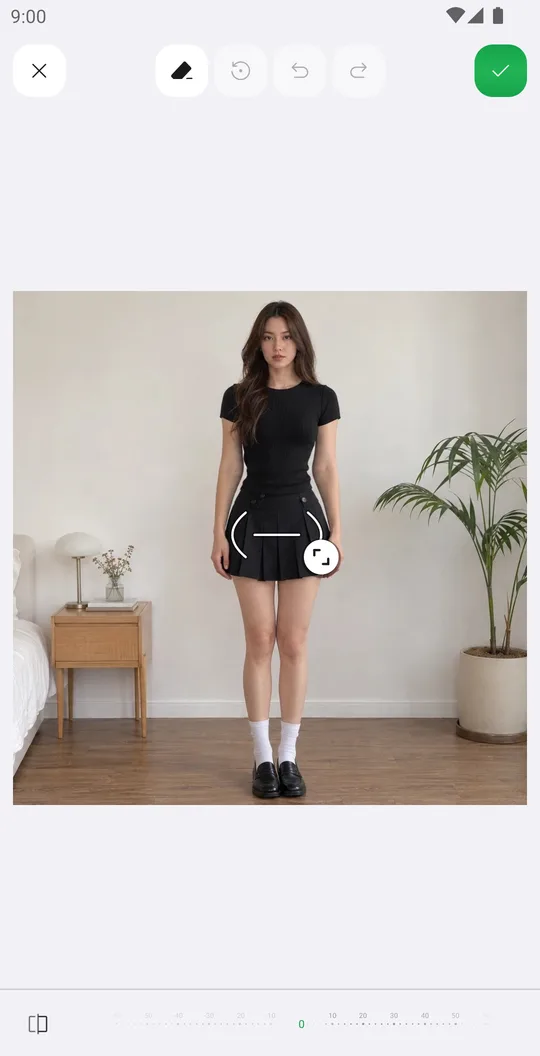
Works well with
Try Body for free
Free on Google Play. iOS coming soon.