
Background Changer
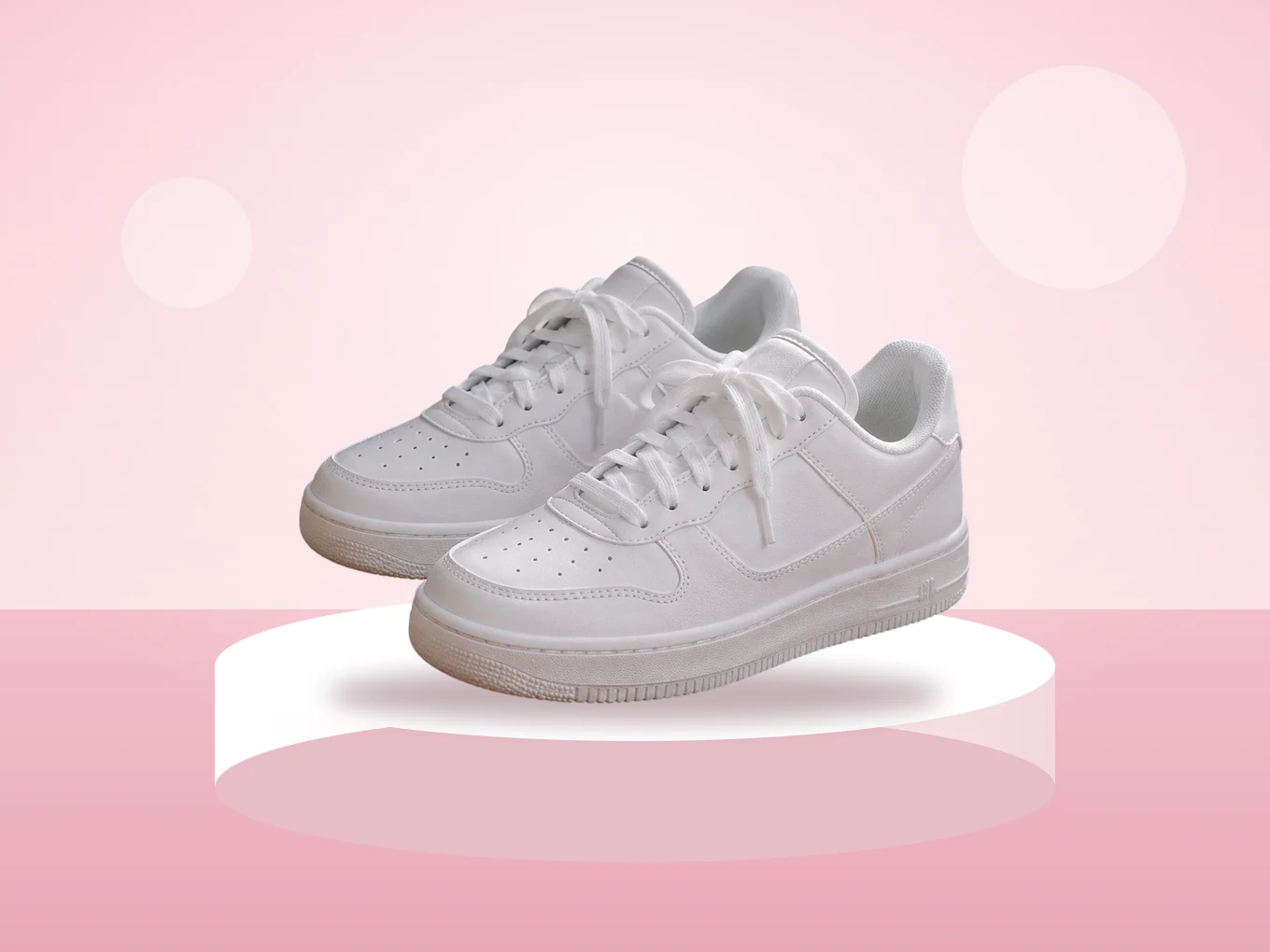
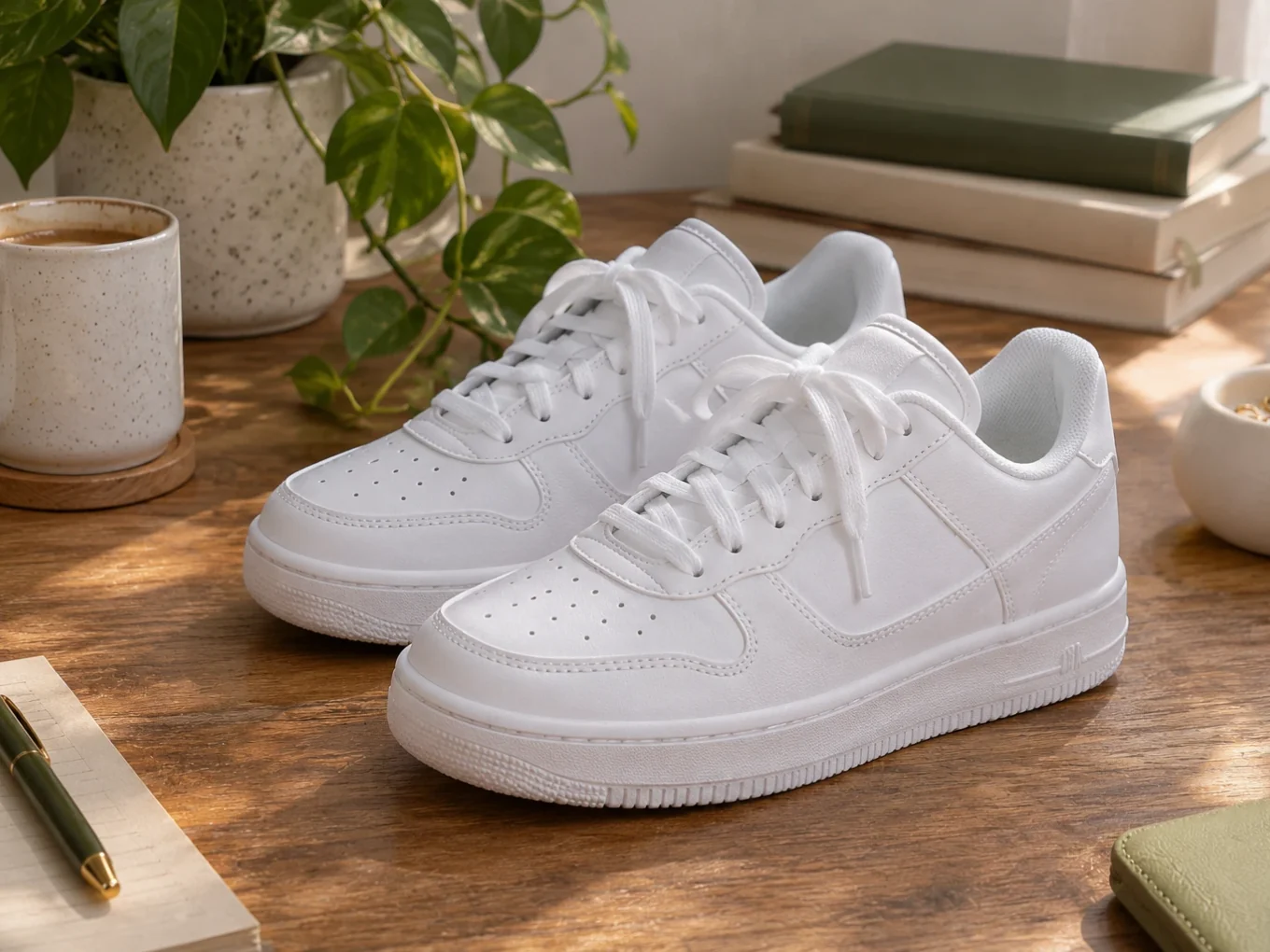
Put your subject on a gradient, a soft blur, your own photo or one of hundreds of backgrounds from the Pichype Library.
What is Background Changer?
BG Change keeps the person or object and replaces everything behind it. The cutout is made by AI, and you can fix it any time with the Cutout button.
Pick a ready background from the Library, a gradient, a blur of your own background, or load any photo. Then place your subject exactly where you want it.
Everything in Background Changer
Backgrounds
Four tabs: Fill, Outline, Blur and Ratio.
- Library
- Color
- Gradient
- Outline
- Blur
- Your photo
- Library
- Hundreds of ready backgrounds in categories, from studios to streets.
- Color, Gradient
- Plain colors, gradients and an eyedropper to take a color from the photo.
- Outline
- A colored outline around the person with a Width slider, for a sticker look.
- Blur
- Keep your own background but blur it, like a portrait lens.
- Your photo
- Tap the add button at the top to load any picture as the background.
Fit
Make the subject sit right.
- Cutout
- Move and scale
- Opacity
- Ratio
- Cutout
- The button at the top opens Remove BG to fix the mask on your photo.
- Move and scale
- Drag and pinch your photo with your fingers to place it.
- Opacity
- A slider for the transparency of your photo over the background.
- Ratio
- Change the frame size, for example 1:1 or 9:16, to fit the post.
How to use Background Changer in Pichype
- 1Open BG Change
Pick a photo and tap BG Change. AI cuts out the subject.
- 2Choose a background
Pick one from the Library, a gradient, a blur, or add your own picture.
- 3Place the subject
Move and scale it with your fingers, set the ratio and opacity.
- 4Fix and save
If an edge looks wrong, tap Cutout and clean it, then save.
Background Changer FAQ
Can I use my own background?
Yes. Tap the add button at the top and pick any photo from your gallery.
Can I just blur my real background?
Yes. Choose Blur and set how strong it is.
How do I get a sticker look?
Open Outline, pick white and raise Width. The outline follows the person.
The edges look rough. What do I do?
Tap Cutout, clean the edge with Eraser or Restore in Remove BG and come back.
Background Changer tutorials
All tutorials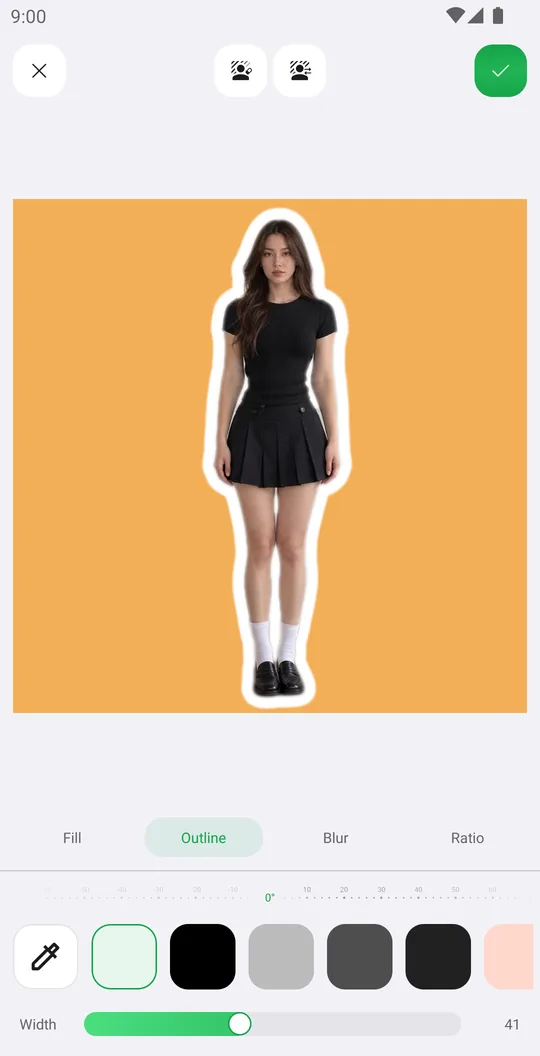
Works well with
Try Background Changer for free
Free on Google Play. iOS coming soon.