
AI Background Remover
AI finds the subject and removes the background in one tap. Fix the edges with a magic eraser, a normal eraser and a restore brush.
What is AI Background Remover?
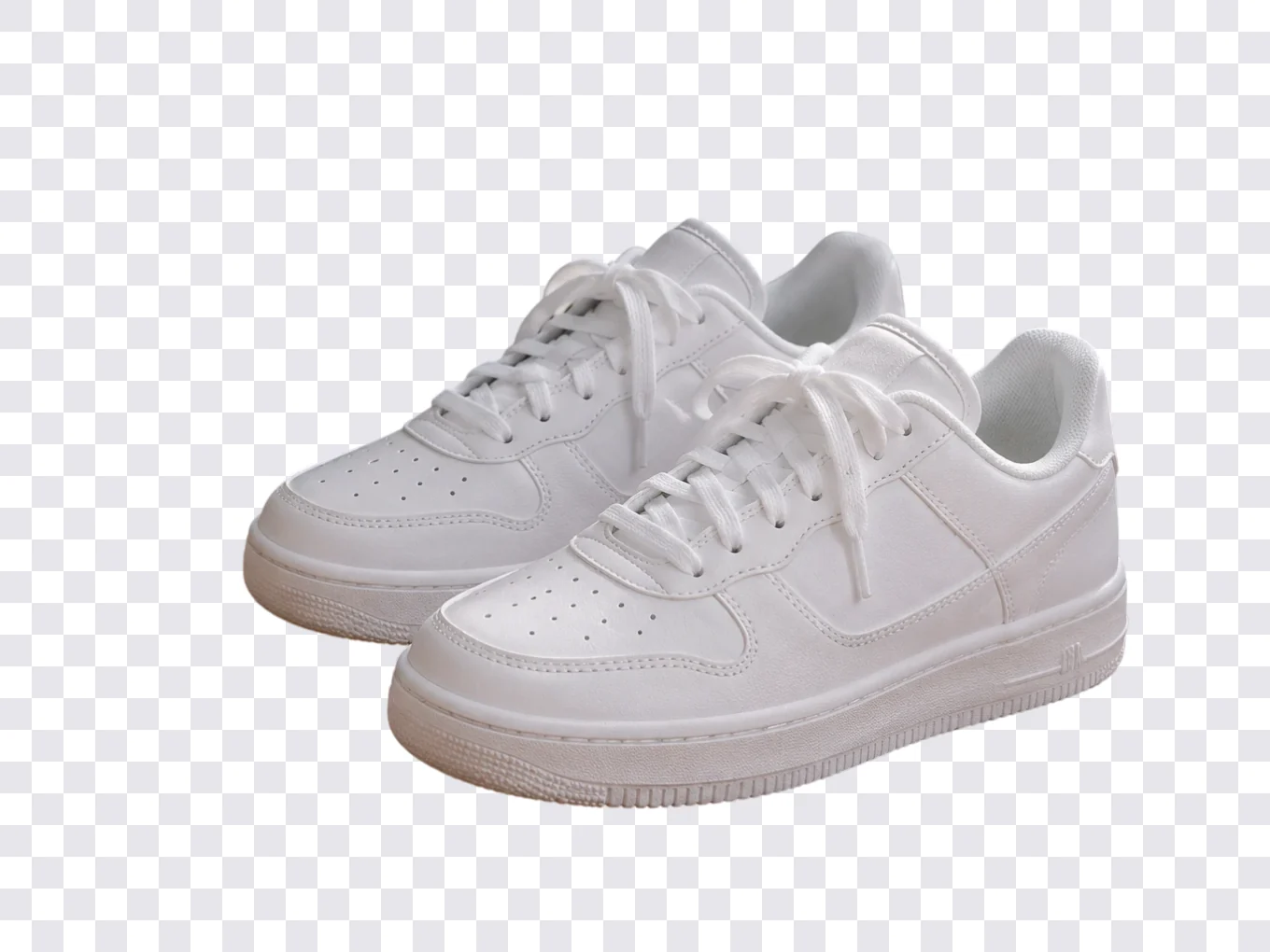
Remove BG is where every cutout in Pichype is made. One tap of AI removes the background around a person or an object. For perfect edges you finish by hand with three erasers.
Other tools use the same mask: stickers and text behind you, Wrap, Motion, Layers in Filters and Effects. Each of them has a Cutout button that brings you here to fix the mask.
Everything in AI Background Remover
Erasers
From one tap to pixel-perfect edges.
- AI
- Auto
- Eraser
- Restore
- AI
- Removes the whole background in one tap.
- Auto
- A magic eraser: touch an area and it removes similar colors around it. The slider sets the tolerance, how close a color must be to get erased.
- Eraser
- Erase by hand, like a normal brush.
- Restore
- Paint back anything that was erased by mistake.
Helpers
Make it easy to see what is left.
- Brush shape
- BG preview
- Brush size
- Undo
- Redo
- Brush shape
- Change the shape of the eraser for edges and corners.
- BG preview
- Switch the color behind the cutout to check that nothing is left around the edges.
- Undo, Redo
- Step back or forward through every stroke.
Next
What to do with the cutout.
- Crop
- BG Change
- Save
- Crop
- Trim the empty space around the subject.
- BG Change
- Put the cutout on a new background right away.
- Save
- Keep the cutout with a transparent background.
How to use AI Background Remover in Pichype
- 1Open Remove BG
Pick a photo and tap Remove BG.
- 2Let AI cut it out
Tap AI. The background around the person or object disappears.
- 3Clean the edges
Zoom in and use Auto, Eraser or Restore. Switch the BG preview to check every edge.
- 4Save or continue
Save the transparent cutout, crop it, or move straight to BG Change.
AI Background Remover FAQ
Does it work on objects, not only people?
Yes. AI works on people, products, pets and other clear subjects.
The AI cut off some hair. How do I get it back?
Choose Restore and paint over the missing part. Zoom in for fine strands.
What does the Auto slider do?
It sets the tolerance. Higher erases a wider range of similar colors, lower erases only very close colors.
Can I use the cutout in other tools?
Yes. The same mask works for stickers and text behind you, Wrap, Motion and Layers in color tools.
AI Background Remover tutorials
All tutorials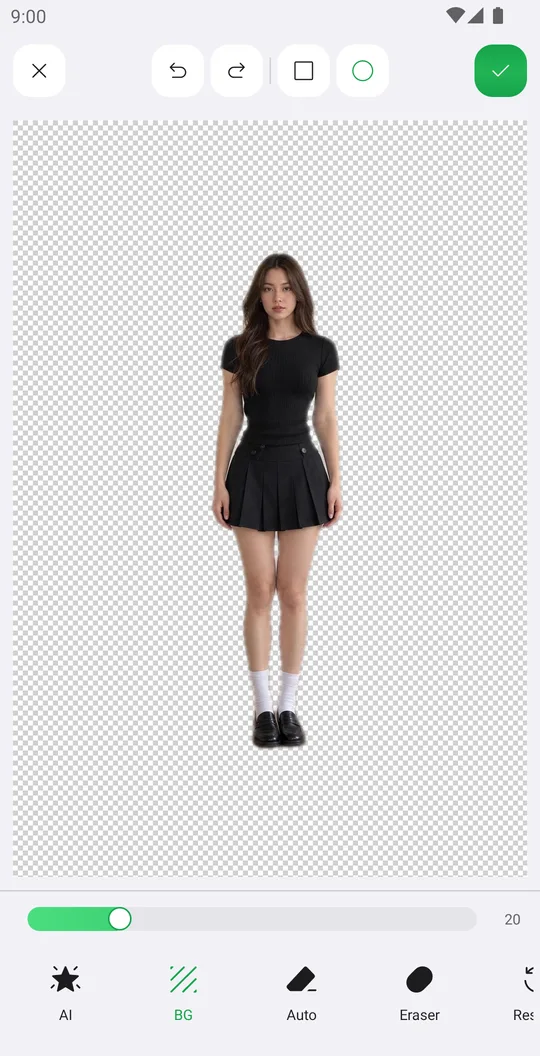
How to remove the background from a photo
Cut out a person or object with AI in one tap, clean the edges by hand and save it with a transparent background.
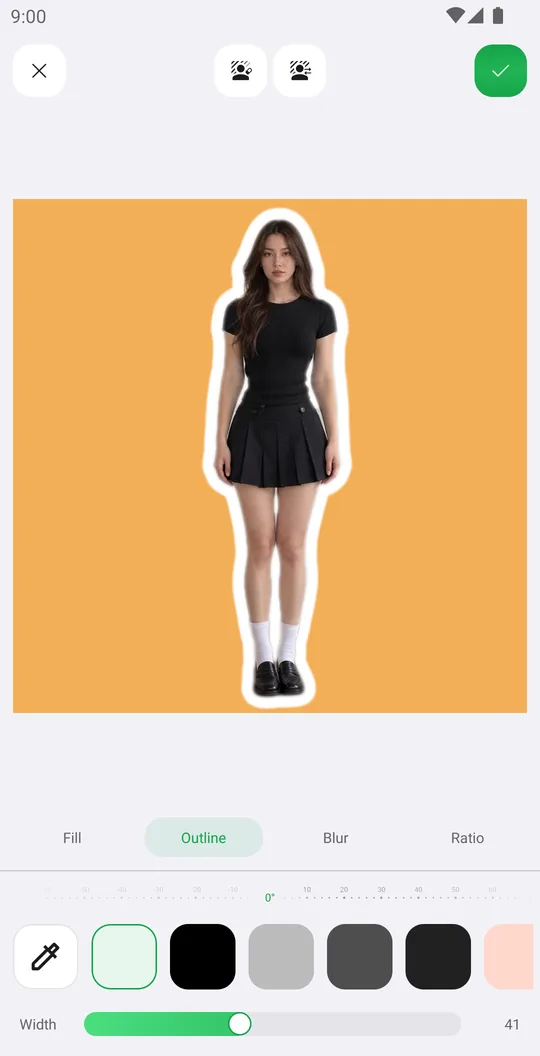
How to change the background of a photo
Put yourself on a new color, a Library background or your own picture, add an outline and fit the frame.
Works well with
Try AI Background Remover for free
Free on Google Play. iOS coming soon.