
How to save and share your own styles
Save your color edits as a style, apply it to any photo and share it with a QR code.
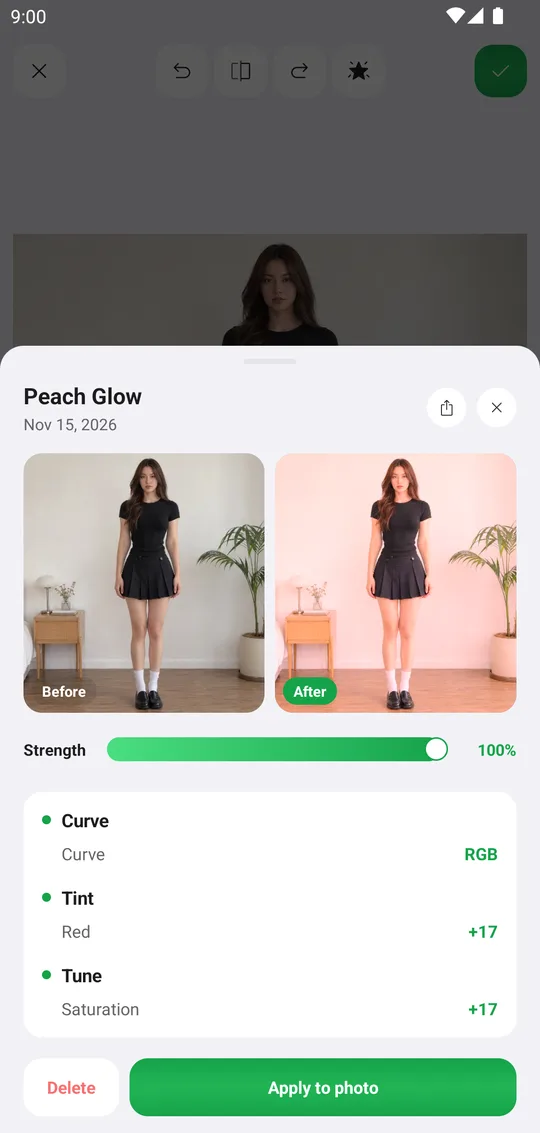
A style keeps your edits in order and applies them to any photo in one tap. Strong styles combine several tools, for example a curve for contrast, Tint for the tone and Tune for the final light.
Edit the photo
Grade it with Tune, Curve, Hues, Balance, Selective and Tint. Effects and built-in Filters and Overlays can be part of a style too.
Open My Styles
In the Colors tab tap the star at the top. You see your styles with their QR codes and the Import button to scan a friend's QR.
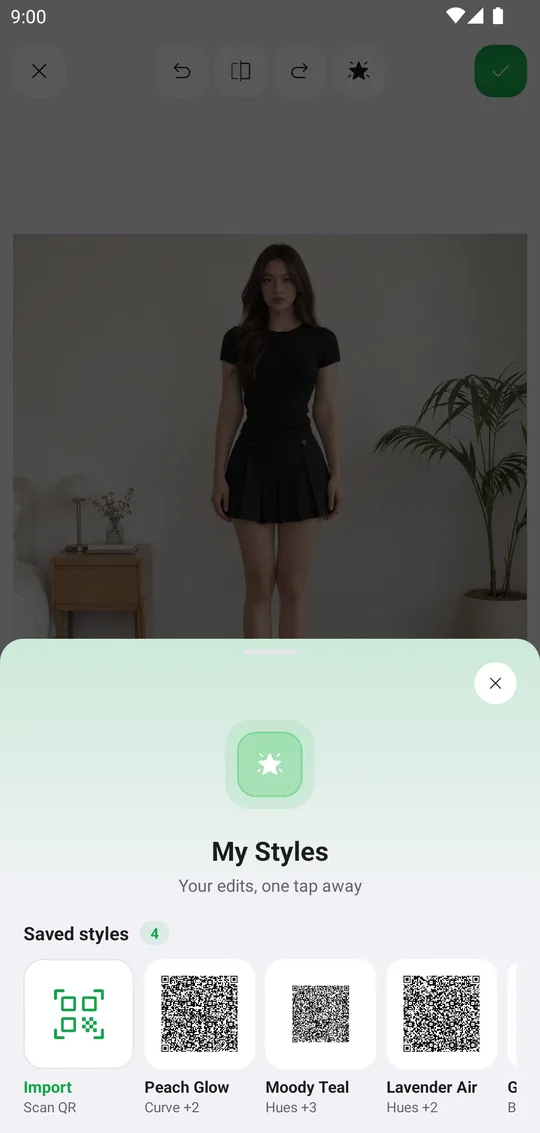
Save the style
Save your edits as a new style and give it a name. If you have a nametag, you can show it on the style.
Apply or share
Tap a style to see it before and after on your photo, every step it keeps and the strength. Apply to photo uses it, the share button sends its QR code.
Tools used in this tutorial
Related tutorials
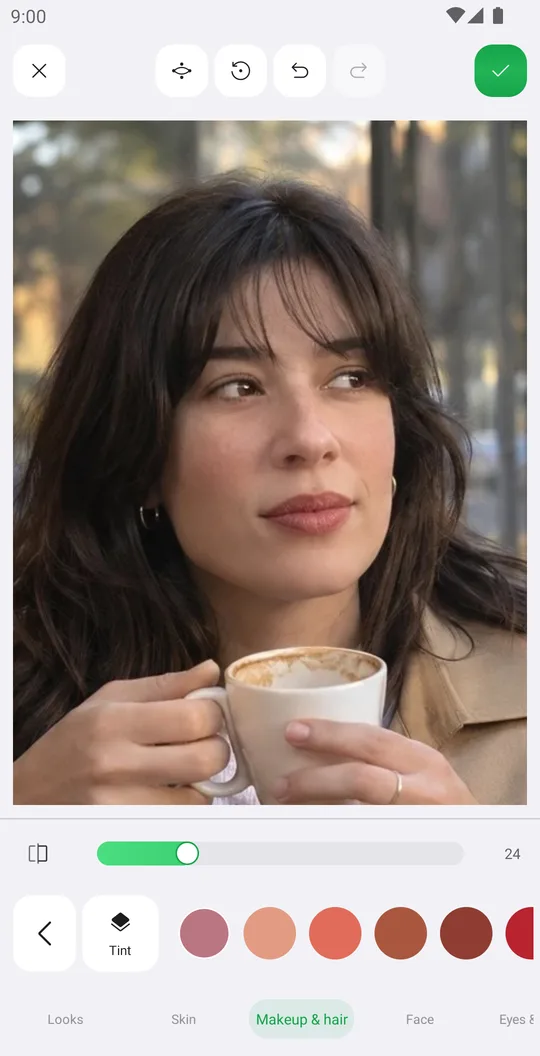
How to retouch a selfie naturally
Smooth skin, add a ready makeup look and fix single details in Retouch while keeping your real face.
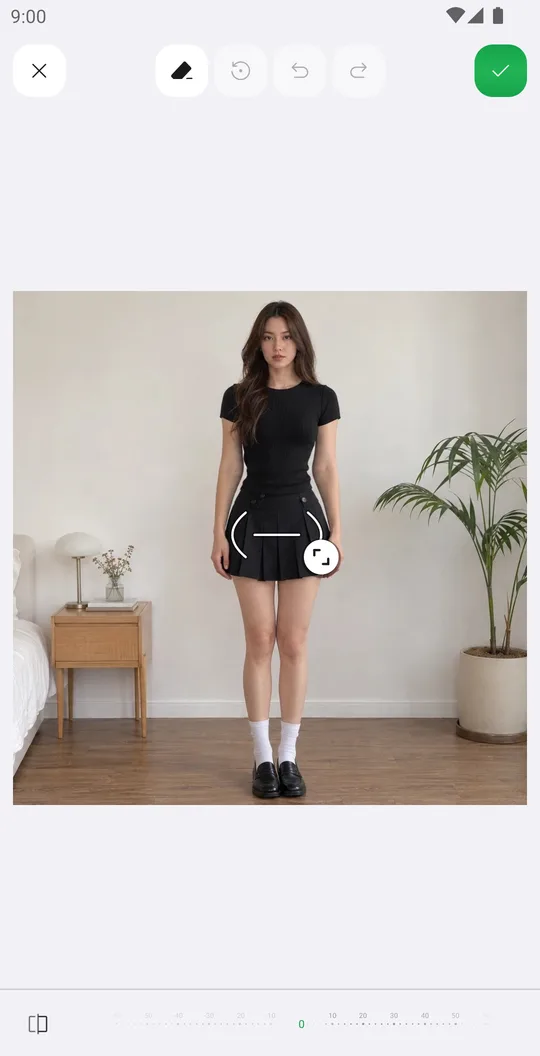
How to reshape your body in a photo
Slim the waist, shape the hips or make legs longer with Body tools that place their guides for you.
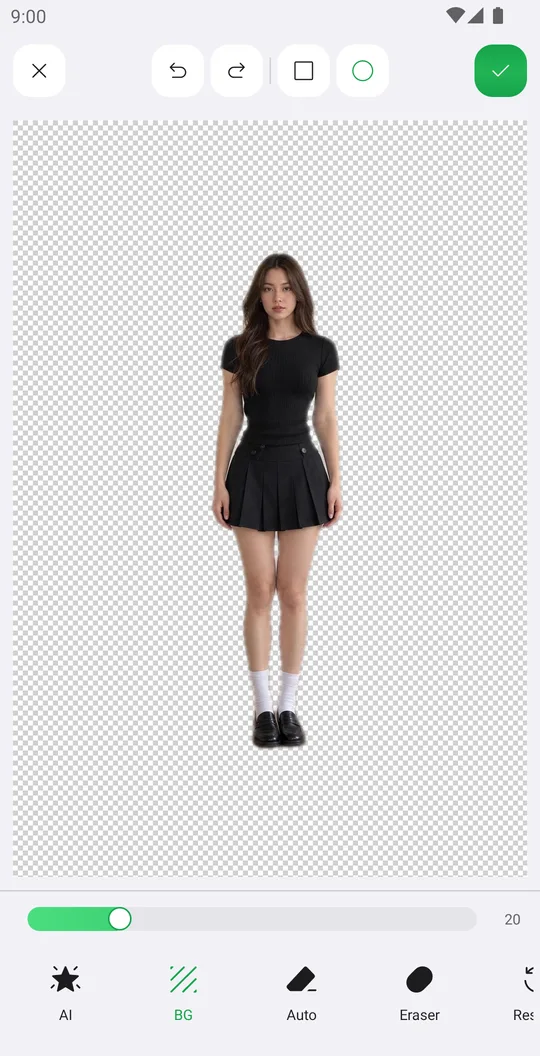
How to remove the background from a photo
Cut out a person or object with AI in one tap, clean the edges by hand and save it with a transparent background.