
How to reshape anything with Liquify
Push, twirl, shrink and swell any part of a photo by hand.
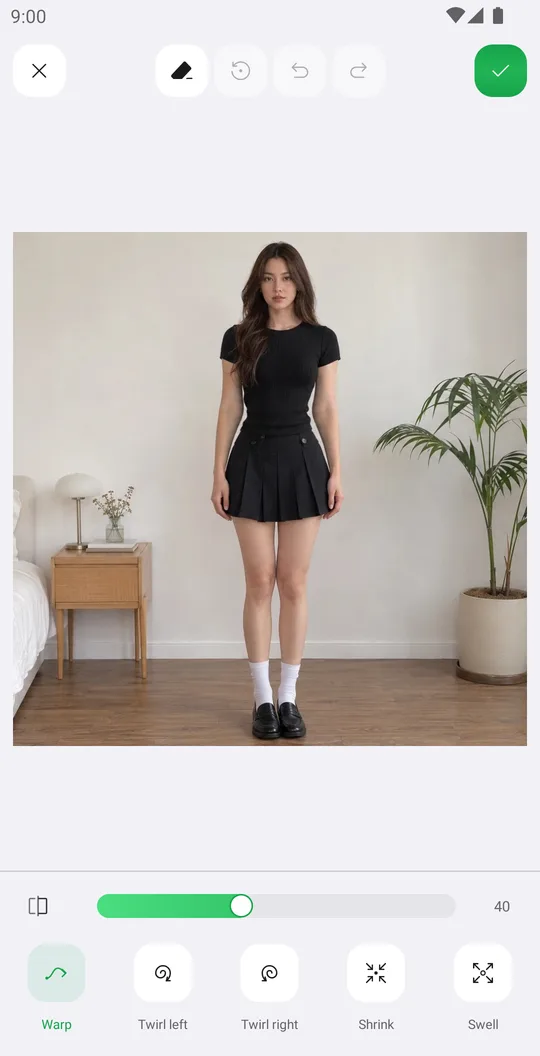
Liquify moves pixels under your finger. Use it to fix a strand of hair or a crease in clothes, or to make a fun distorted photo.
Open Liquify
Pick a photo, open the Body tab and tap Liquify.
Pick a tool
Warp pushes pixels the way you drag. Twirl left and Twirl right spin the area. Shrink and Swell make it smaller or bigger.
Work in small strokes
Set the brush size a little bigger than the area and drag in short moves. Zoom in for details.
Clean up and save
Restore paints back the original where you went too far. Compare and tap the check mark.
Tools used in this tutorial
Related tutorials
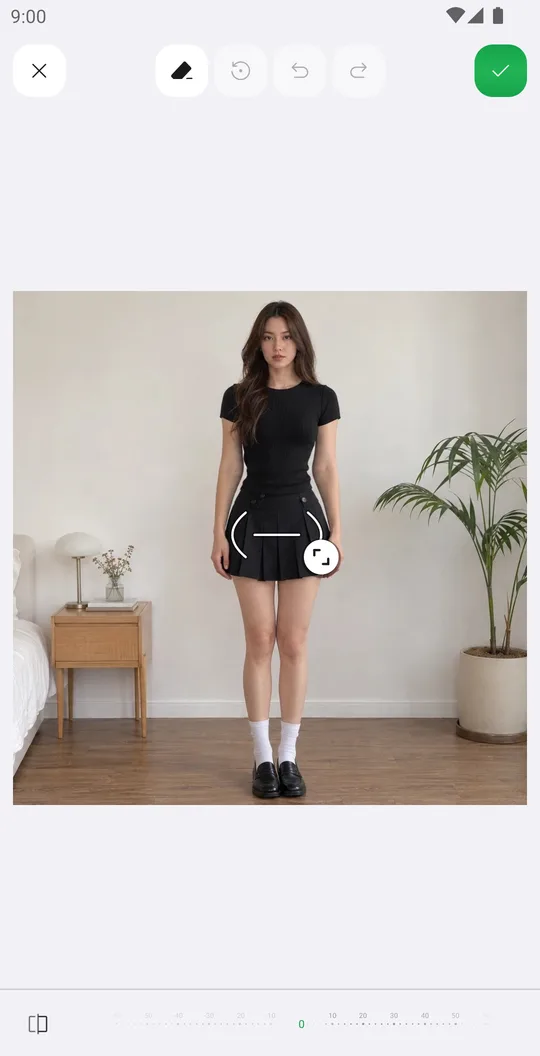
How to reshape your body in a photo
Slim the waist, shape the hips or make legs longer with Body tools that place their guides for you.
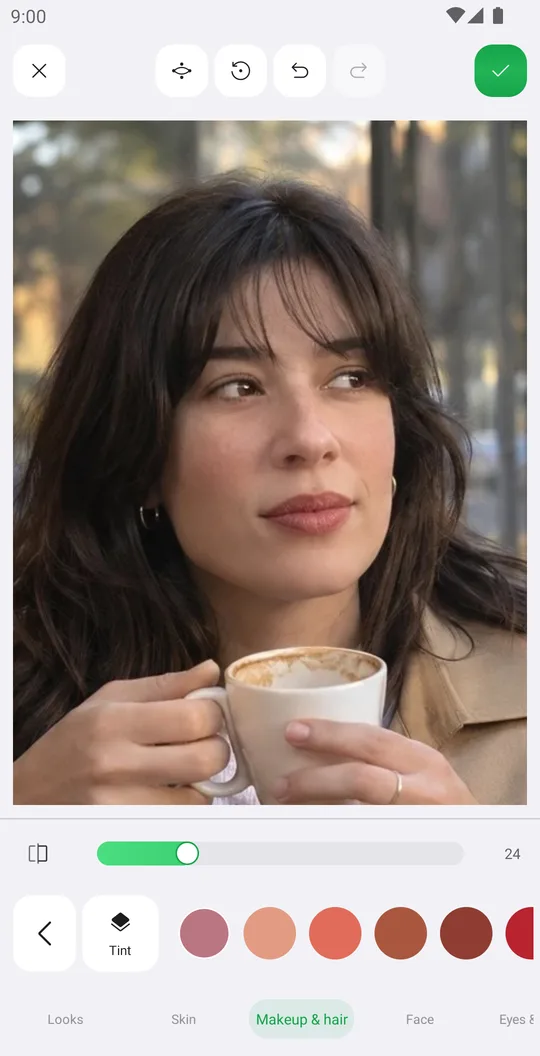
How to retouch a selfie naturally
Smooth skin, add a ready makeup look and fix single details in Retouch while keeping your real face.
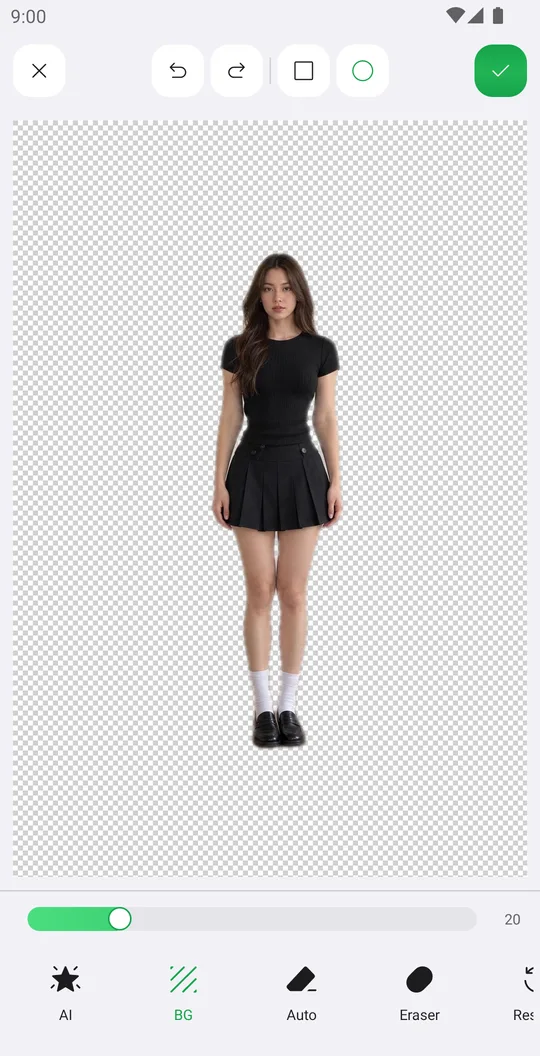
How to remove the background from a photo
Cut out a person or object with AI in one tap, clean the edges by hand and save it with a transparent background.