
How to add a motion effect with copies of you
Add copies of yourself behind you for a sense of speed and movement.
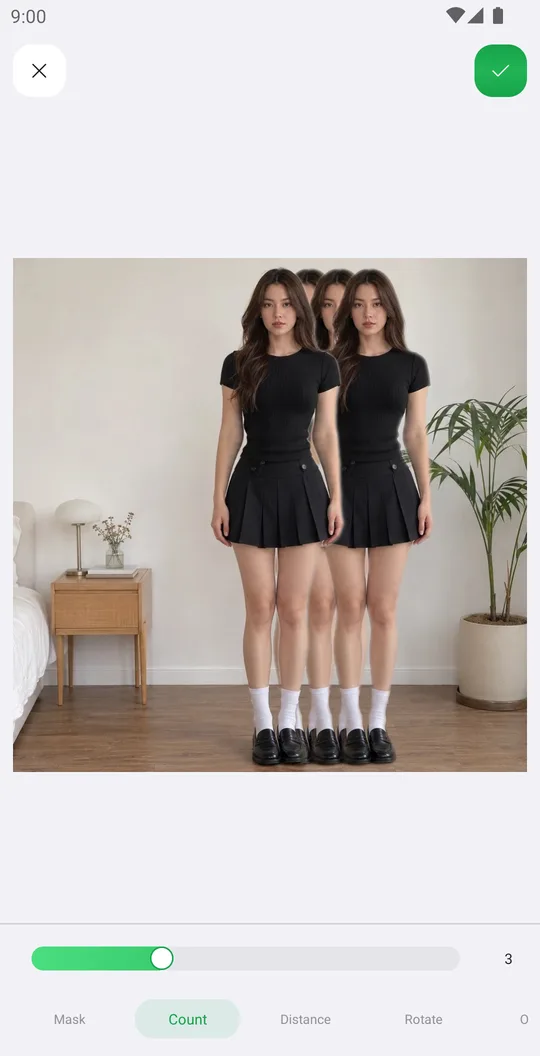
Motion cuts out the person and puts copies behind them, like a long exposure. It works great for dance, sport and street photos.
Open the photo
On the home screen tap Select a Photo and pick a photo. In the editor open the Editor tab at the bottom and tap Motion.
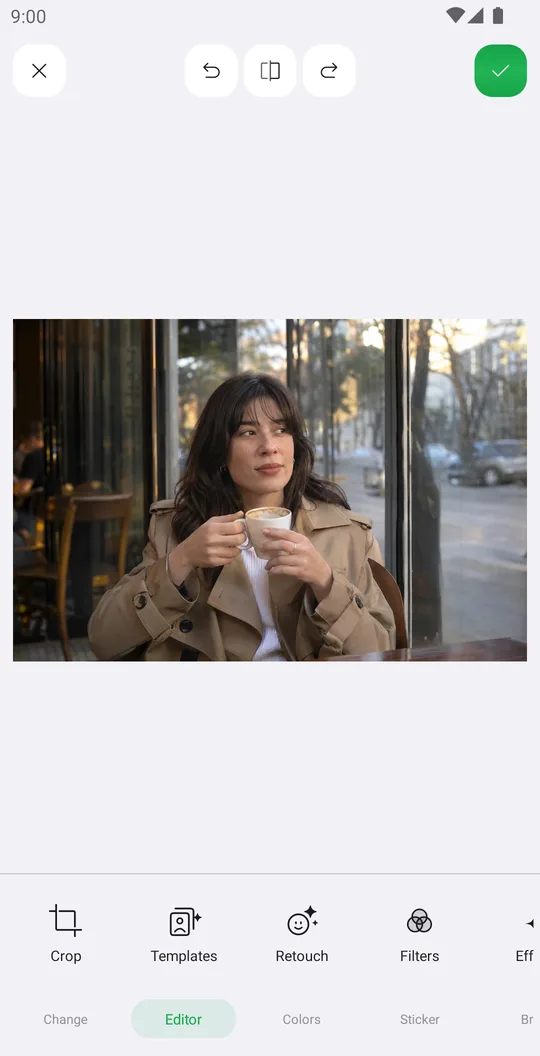
Set the copies
Count sets how many copies, Distance how far apart they are and Rotate the direction of the trail.
Fade them
The last tab sets the opacity, so the copies look like movement.
Fix the mask
If a copy has bits of background, open Mask and clean the edge.
Save
Tap the check mark.
Tools used in this tutorial
Related tutorials
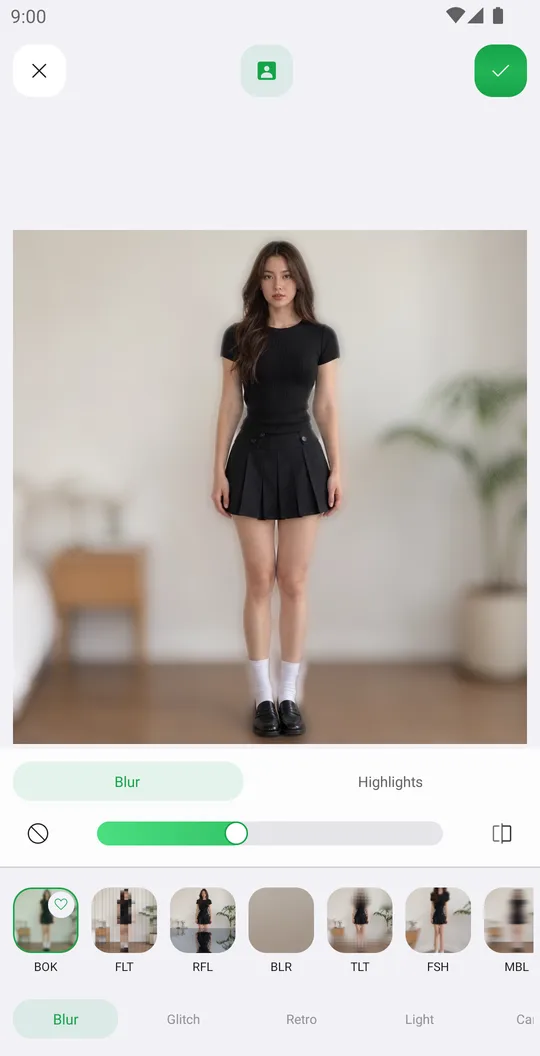
How to add effects like blur, glitch, VHS and bloom
Use 72 effects in Blur, Glitch, Retro, Light and Canvas, with their own settings, on the whole photo or only the background.
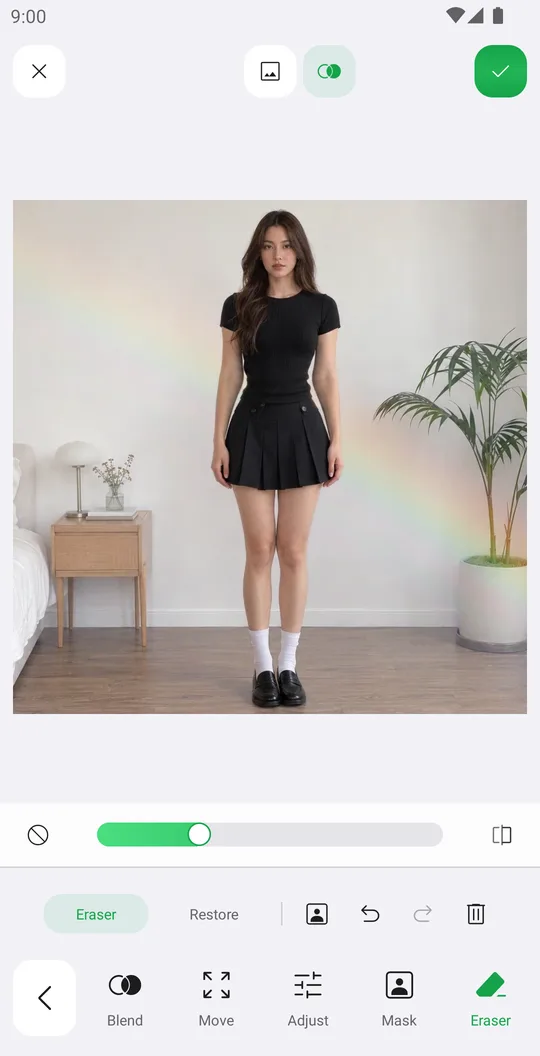
How to add overlays with blend modes
Add a light leak or texture, blend it with the photo, fade it with a mask and erase it from the person.
How to add stickers, even behind you
Add stickers from packs and the Library, arrange them precisely and put them behind the person.