
How to create a custom QR code
Make a QR code for a link, text, Wi-Fi, an event or a place, with your colors, logo and rounded corners.
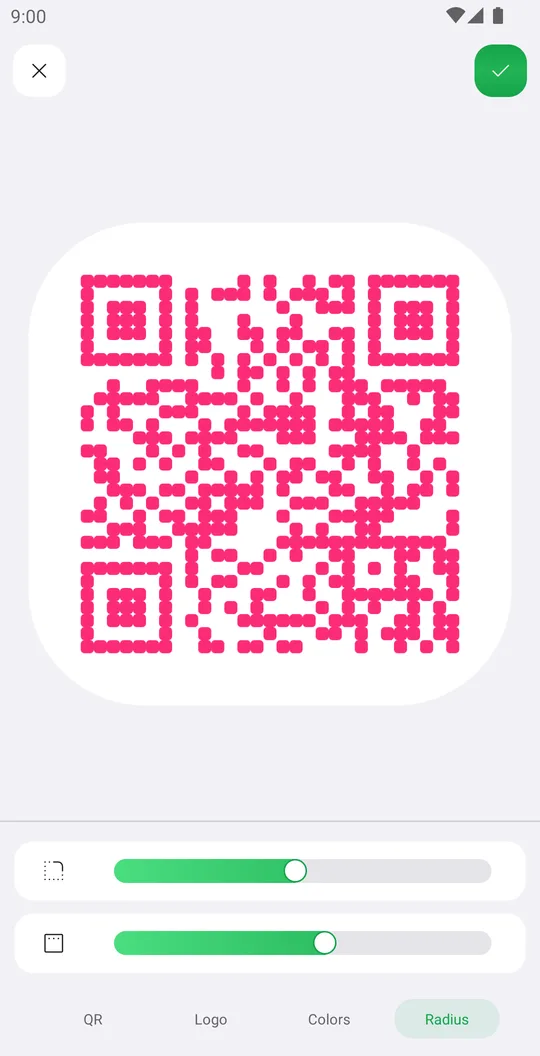
The QR editor makes a code that opens a link, shows a text, joins a Wi-Fi network, adds an event or opens a place on the map. Then you design it.
Pick a type
On the home screen tap QR and choose URL / Link, Text, Wi-Fi, Event or Location.
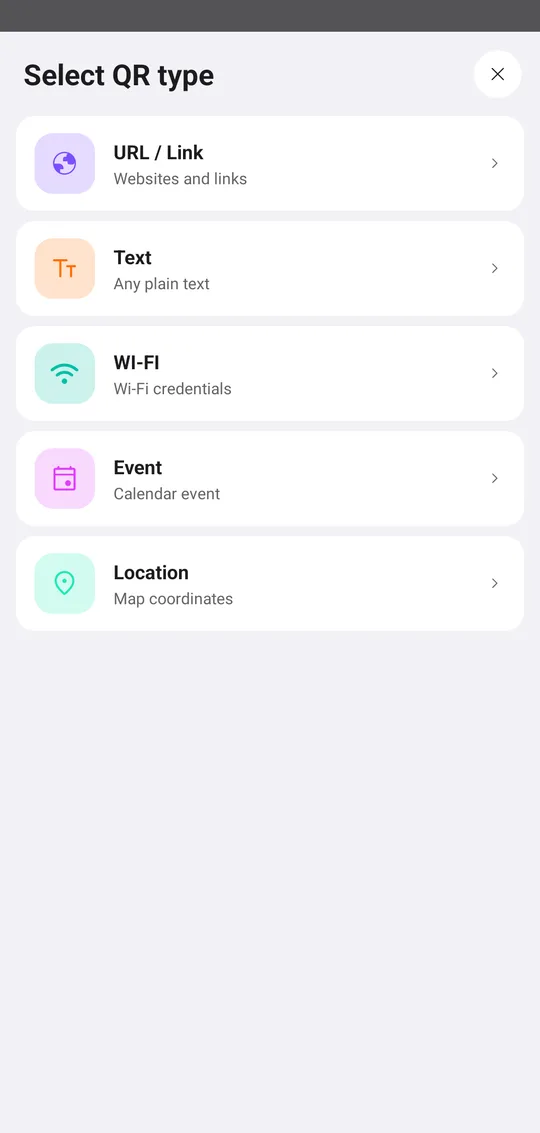
Fill it in
Type the content. For links, the chips add https://, www., .com, .net or .org for you. Tap Done.
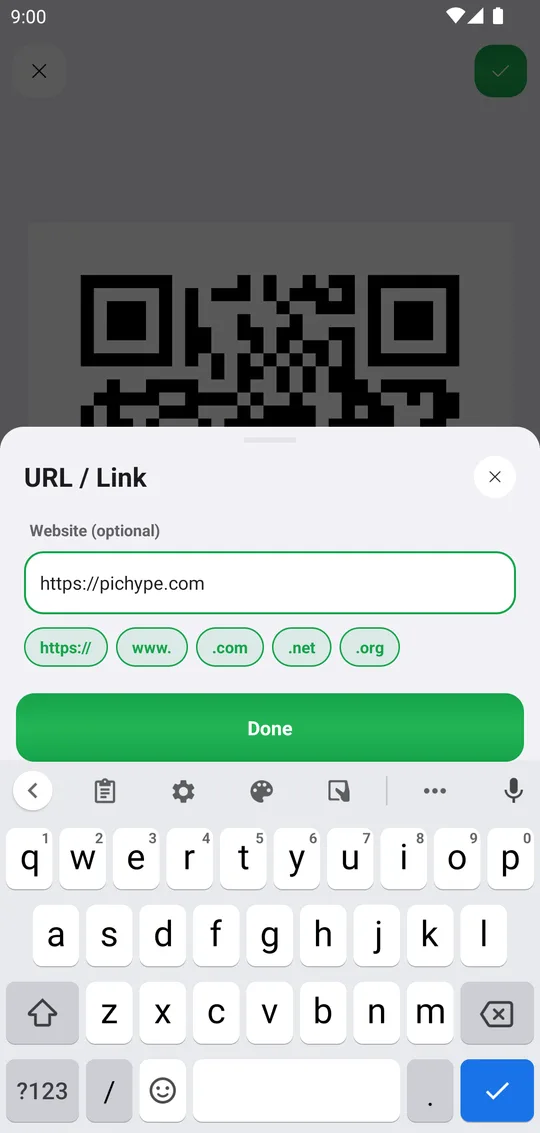
Design it
Colors sets the QR color and the background color. Logo adds a picture in the middle and removes its background. Radius rounds the corners and the small modules.
Save
Tap the check mark to save the code, then share or print it.
Tools used in this tutorial
Related tutorials
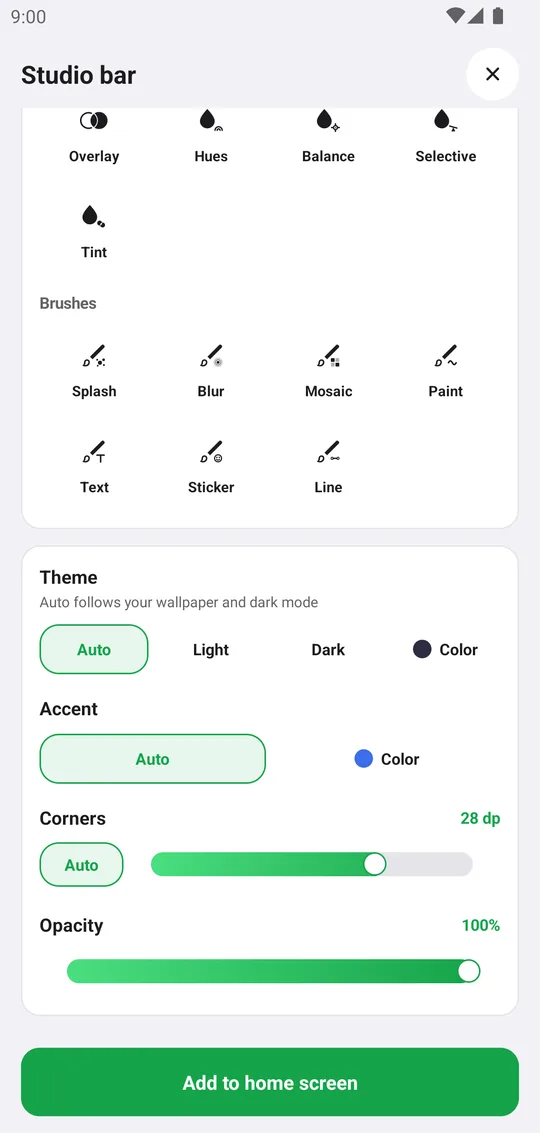
How to add Pichype widgets to your home screen
Add photo, note, streak, challenge and tool widgets and style them to match your home screen.
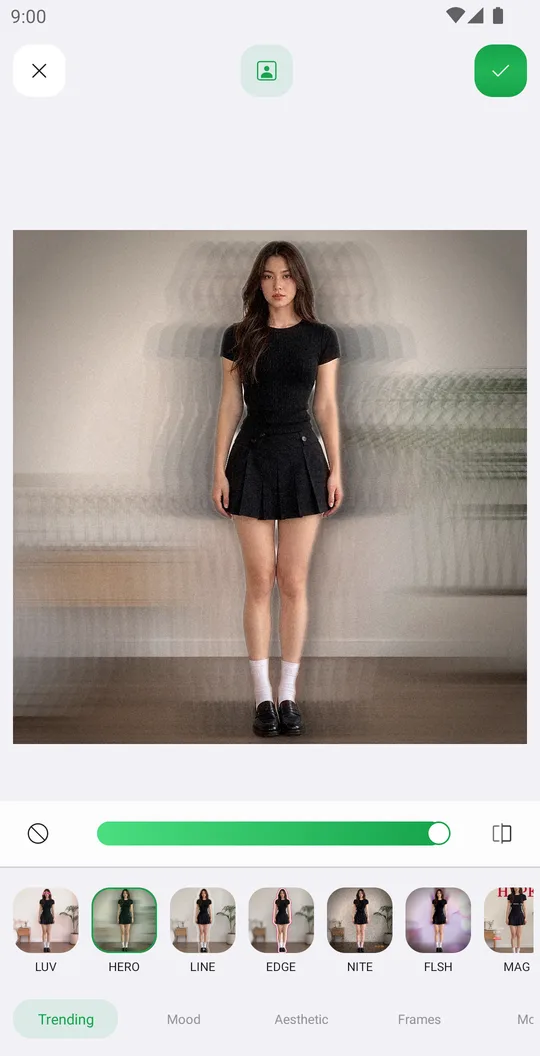
How to edit a photo with templates
Apply a ready design in one tap, set its strength and fix the mask or add photos.
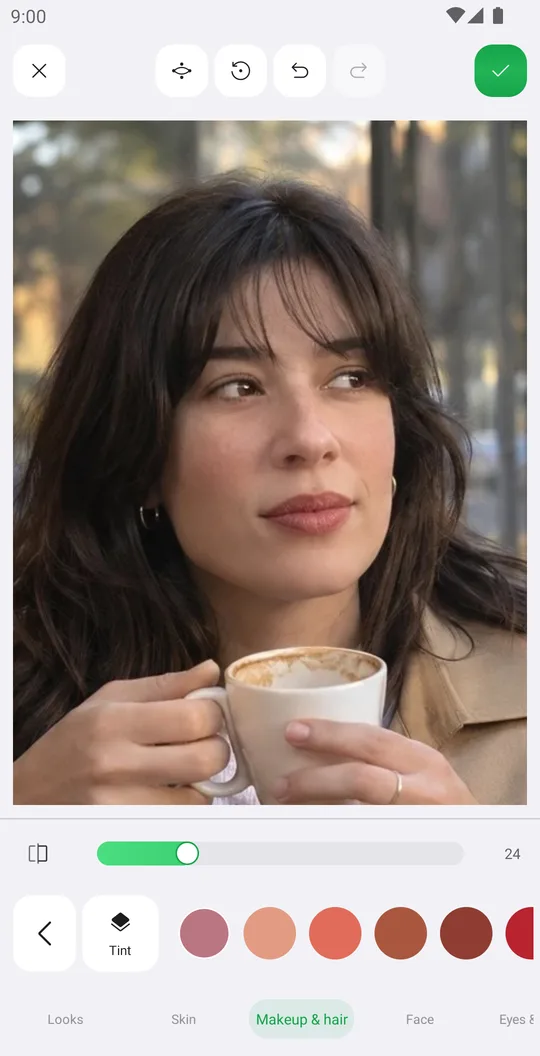
How to retouch a selfie naturally
Smooth skin, add a ready makeup look and fix single details in Retouch while keeping your real face.