
How to use Pix mini frames
Put your photo in a minimal frame shape and color it with any shade.
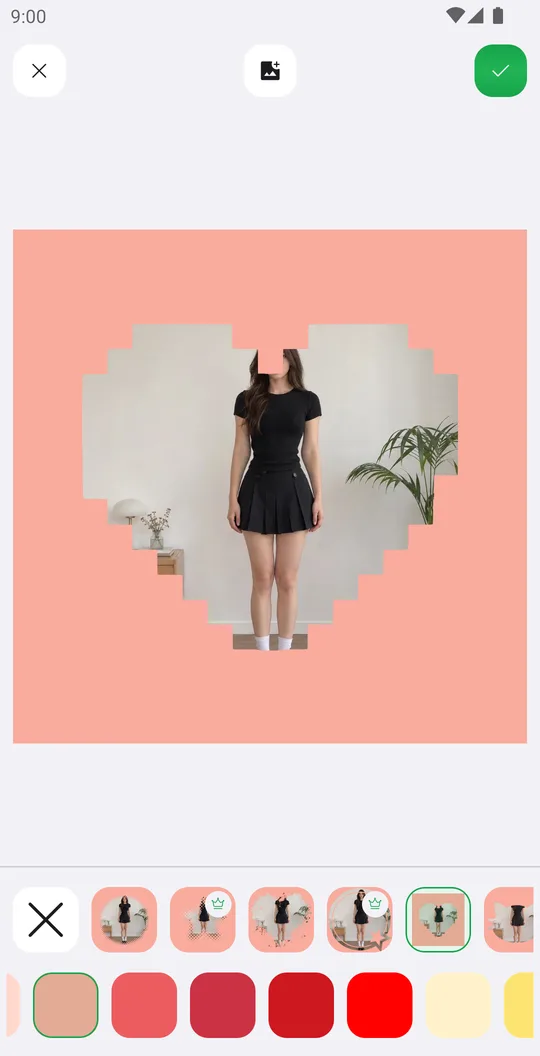
Pix are minimal frame shapes: a heart, a star, a circle and more. Their color changes with one tap.
Open the photo
On the home screen tap Select a Photo and pick a photo. In the editor open the Sticker tab at the bottom and tap Pix.

Pick a shape
Tap a Pix frame in the top row.
Color it
Tap a color in the second row, or use the eyedropper to take a color from the photo.
Fit and save
Drag and pinch the photo inside the shape, then tap the check mark.
Tools used in this tutorial
Related tutorials
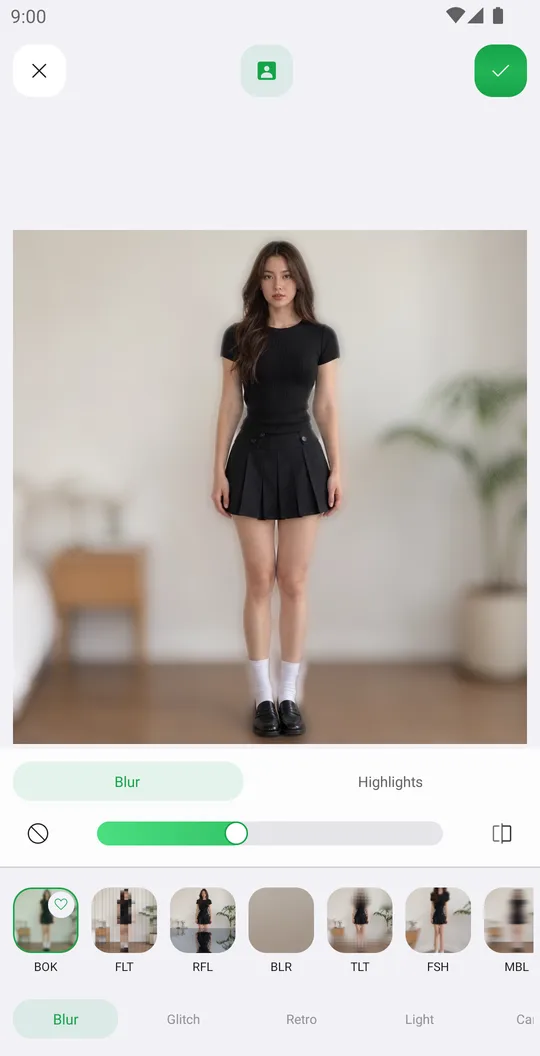
How to add effects like blur, glitch, VHS and bloom
Use 72 effects in Blur, Glitch, Retro, Light and Canvas, with their own settings, on the whole photo or only the background.
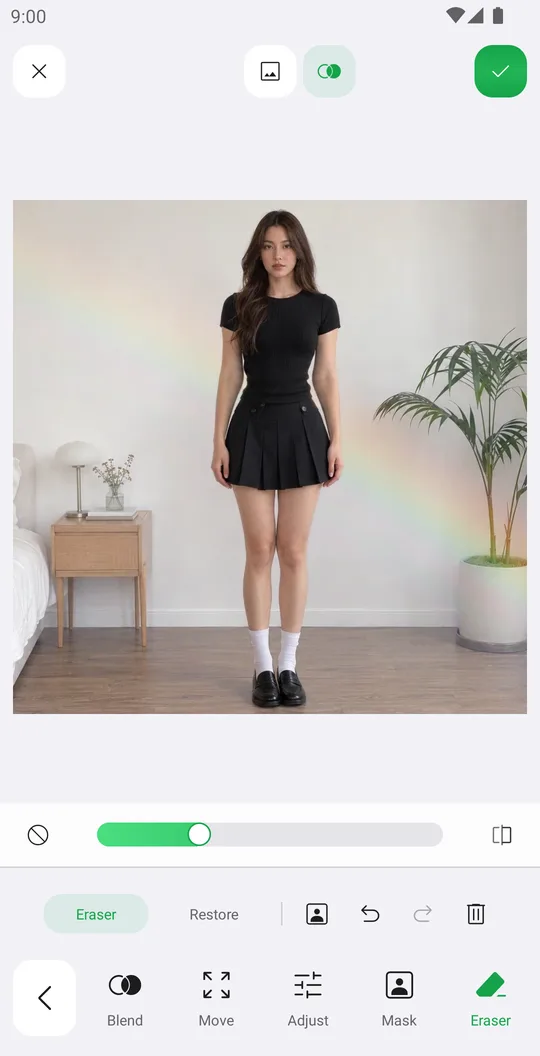
How to add overlays with blend modes
Add a light leak or texture, blend it with the photo, fade it with a mask and erase it from the person.

How to add stickers, even behind you
Add stickers from packs and the Library, arrange them precisely and put them behind the person.